Run Software Diagnostics Tool in Intersight Managed Mode
4:25
This video demonstrates how to run the software diagnostics tool to test server components health. Tags: IMM, SDT
Related Videos
In Technical Support
-
Play video KVM Deployment of Nexus Dashboard 4.1.1g
KVM Deployment of Nexus Dashboard 4.1.1g
Step by Step guide on how to deploy Nexus Dashboard node/cluster in a RHEL KVM environment. Tags: cxtacvideos,dcaci,dcnexus,dcnetworkmgt,nexusdashboard
11:05
-
Play video Configure Service Chaining for E-W Traffic in NDO
Configure Service Chaining for E-W Traffic in NDO
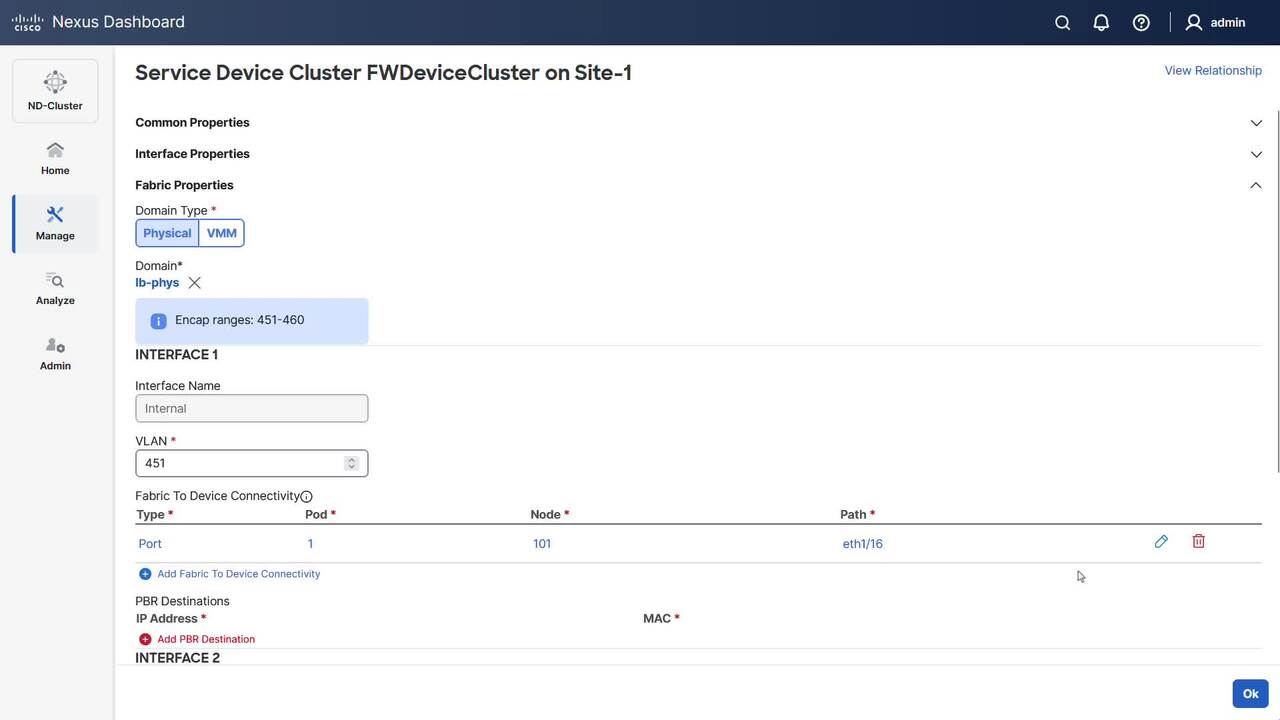
This video demonstrates how to configure service chaining in NDO for EPG-to-EPG communication in single site.
6:25
-
Play video How to Resolve "Impaired Service" error for VIMT on Webex Control Hub
How to Resolve "Impaired Service" error for VIMT on Webex Control Hub
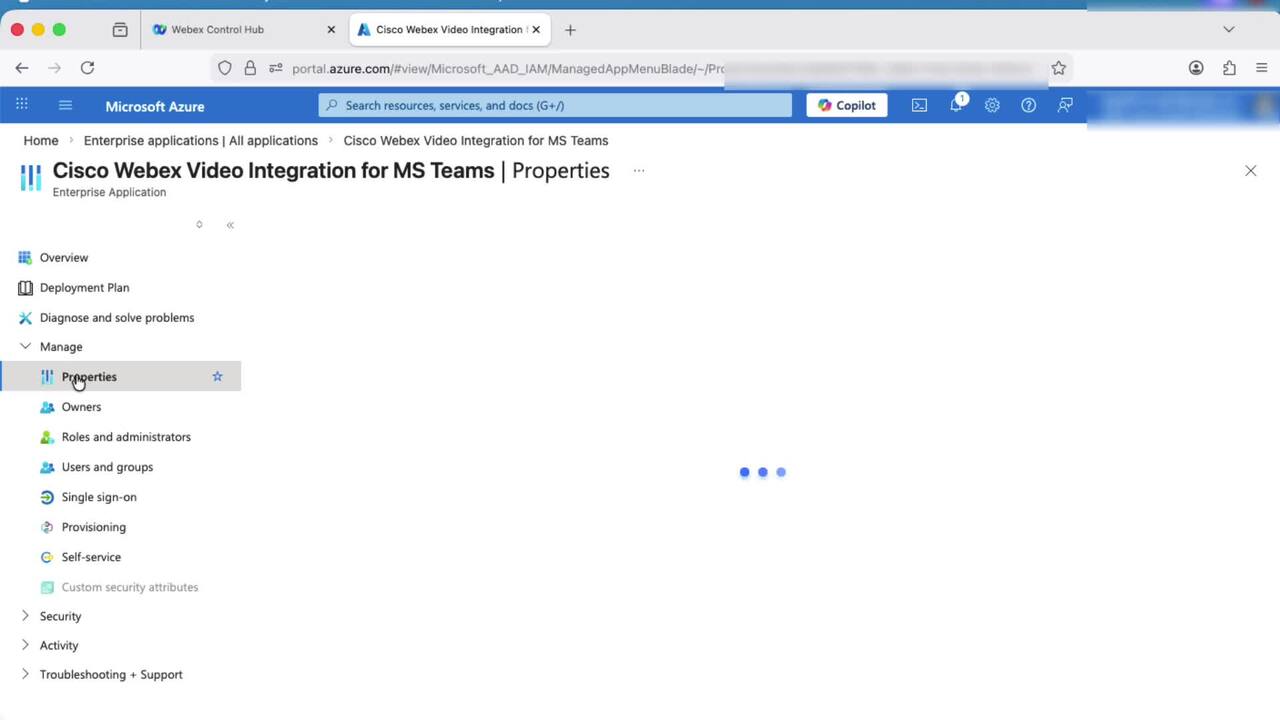
This video provides steps on how to resolve the "Impaired Service" error for VIMT (Video Integration for Microsoft Teams) on Control Hub.
2:52
-
Play video How to Configure FED CPU Capture on C9k Switches
How to Configure FED CPU Capture on C9k Switches
Tutorial on how to configure and use FED CPU Punt and Inject capture on Catalyst 9000 series switches. Tags:C9000,C9k,Catalyst9k,packet loss,drops,packet capture,broadcast storm
4:16
-
Play video How to Move Tech-Support Files from Admin VM to XR VM
How to Move Tech-Support Files from Admin VM to XR VM
This video demonstrates how to collect the admin show tech files from Advim VM. Tags: ios-xr, showtech
3:15
-
Play video Upgrade a Catalyst 8000 Router in Install Mode
Upgrade a Catalyst 8000 Router in Install Mode
Learn how to upgrade your Cisco Catalyst 8000 Router to the latest IOS-XE using Install Mode. Step-by-step guide covers backup, cleanup, installation, and verification for a smooth, efficient upgrade. Tags: pirfd
2:53