Modify SFTunnel Default Port on FMC and FTD
2:45
This video describes a video outlining the process of modifying the SFTunnel Default Port on FMC and FTD. Tags: firepower, security
Related Videos
In Technical Assistance Center (TAC)
-
Play video Configure Stackpower Ports and Priorities
Configure Stackpower Ports and Priorities
This video describes the steps for disabling and enabling Stackpower ports and to configure priorities in the Catalyst 9300 series switches. Tags: cat9000switch,stackpower,power,stack,switching,supply,powerstack
5:09
-
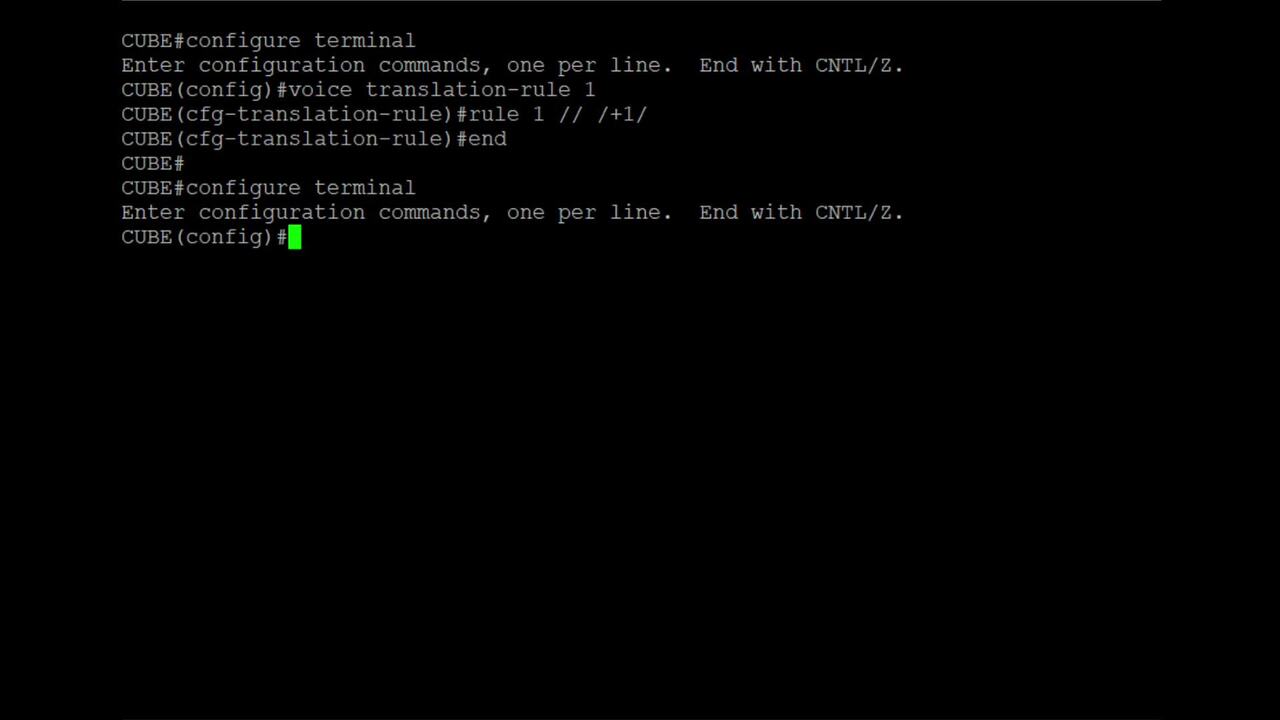
Play video Add +1 Using Voice Translation Rule in CUBE
Add +1 Using Voice Translation Rule in CUBE
In this video, We will demonstrate how to create and apply a voice translation rule on a Cisco CUBE or Gateway that automatically adds the +1 prefix to outgoing calls. Tags: CUBE,Cisco Gateway,VoiceTranslationRule
3:26
-
Play video Configure Local User Policy on Intersight
Configure Local User Policy on Intersight
How to Configure Local User Policy on Intersight
3:18
-
Play video Firewall - Collect Pigtail on FDM Managed FTD for TAC Analysis
Firewall - Collect Pigtail on FDM Managed FTD for TAC Analysis
This video describes the steps to run and collect the output of pigtail command on FTD managed by FDM, so that it can later be shared with TAC for log analysis purposes. Tags: firepower, security, FDM, pigtail
4:23
-
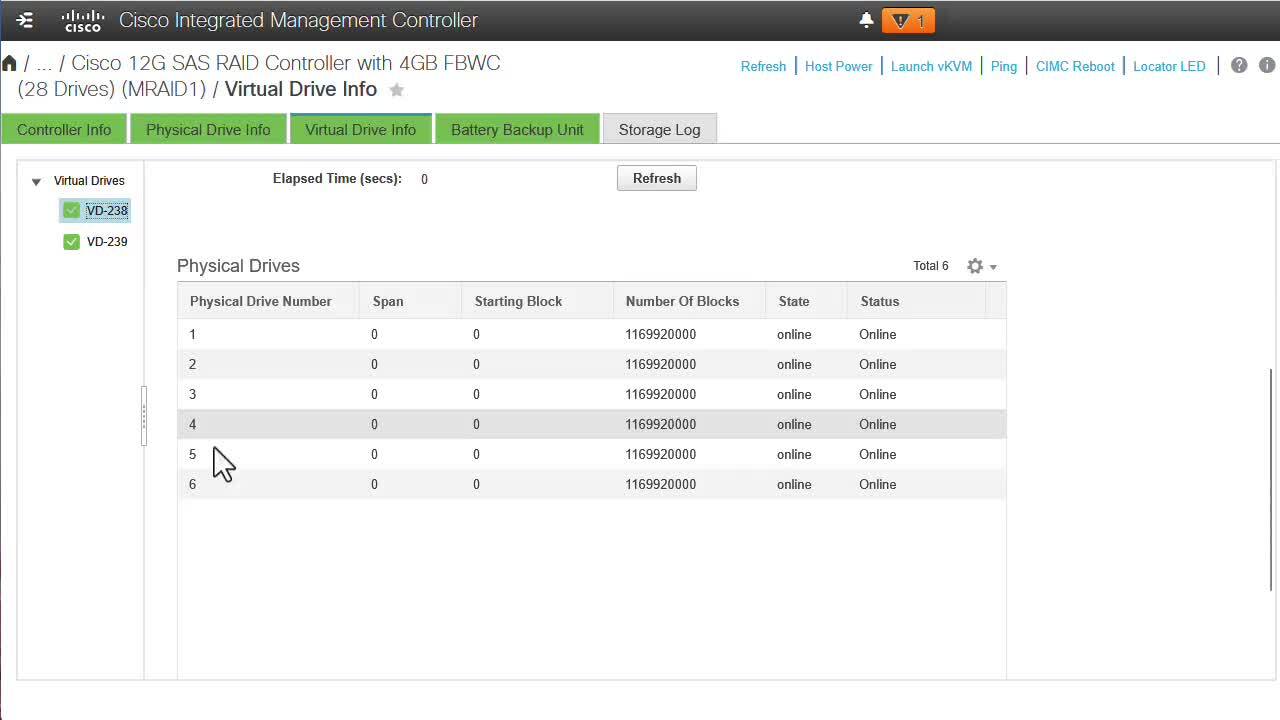
Play video Creating a Virtual Drive for a Business Edition Server
Creating a Virtual Drive for a Business Edition Server
In this video, I want to show you how to create a virtual drive for a Business Edition server.
3:36
-
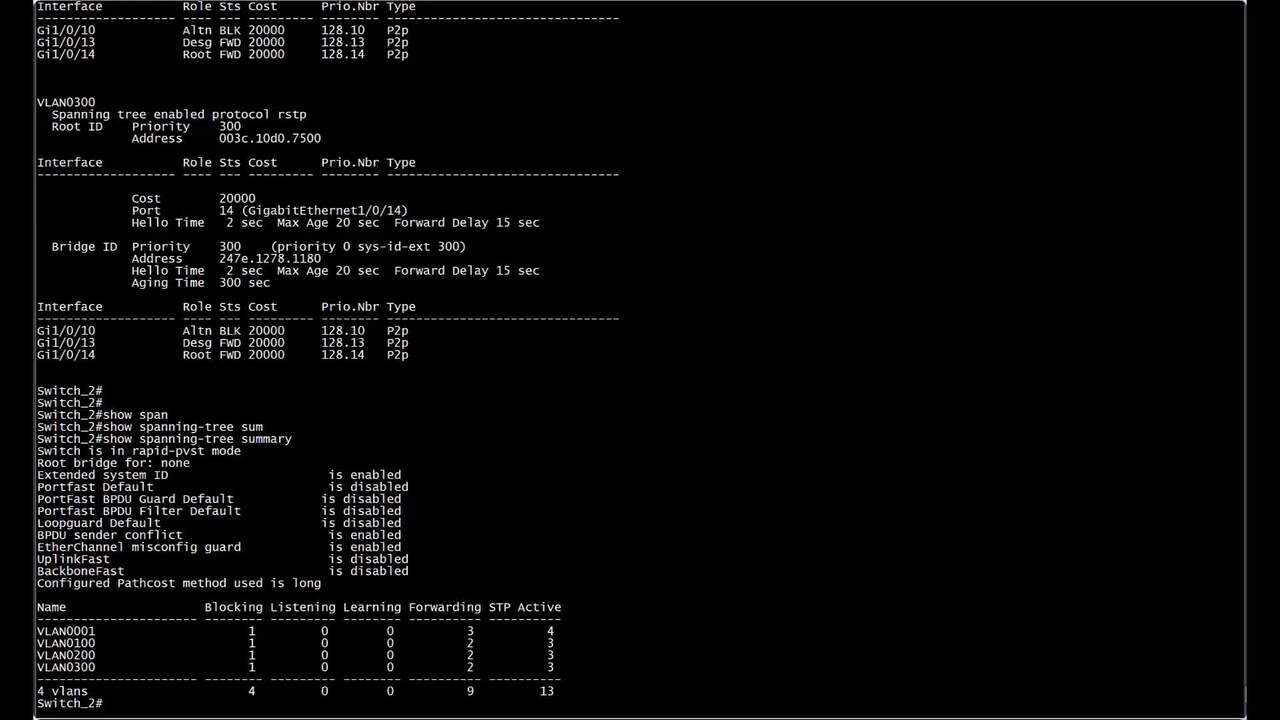
Play video Isolate Common Errors On STP And Features
Isolate Common Errors On STP And Features
This video demonstrate how to identify logs associated with Spanning Tree Protocol (STP) features, such as Loop Guard, Root Guard, BPDU Guard, and PortFast. Furthermore, include a comprehensive guide on troubleshooting these specific scenarios.
7:16