Enable AI Assistant on Secure Firewall Management Center
2:20
This video shows the steps to enable the AI assistant in Secure FMC Tags:AI,CiscoCloud
Related Videos
In TAC
-
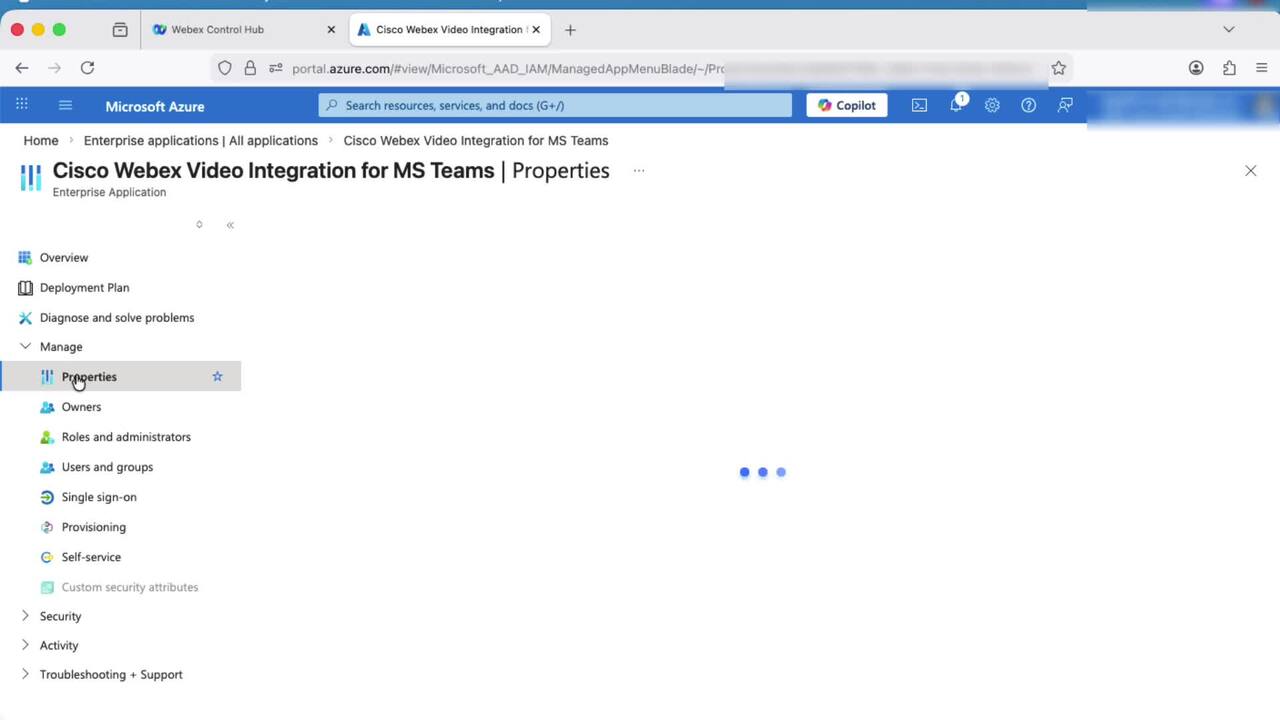
Play video How to Resolve "Impaired Service" error for VIMT on Webex Control Hub
How to Resolve "Impaired Service" error for VIMT on Webex Control Hub
This video provides steps on how to resolve the "Impaired Service" error for VIMT (Video Integration for Microsoft Teams) on Control Hub.
2:52
-
Play video SPAN to CPU in Cisco ACI
SPAN to CPU in Cisco ACI
This video describes how to configure and use ACI SPAN to CPU feature for troubleshooting.
4:41
-
Play video How to Move Tech-Support Files from Admin VM to XR VM
How to Move Tech-Support Files from Admin VM to XR VM
This video demonstrates how to collect the admin show tech files from Advim VM. Tags: ios-xr, showtech
3:15
-
Play video KVM Deployment of Nexus Dashboard 4.1.1g
KVM Deployment of Nexus Dashboard 4.1.1g
Step by Step guide on how to deploy Nexus Dashboard node/cluster in a RHEL KVM environment. Tags: cxtacvideos,dcaci,dcnexus,dcnetworkmgt,nexusdashboard
11:05
-
Play video How to Configure FED CPU Capture on C9k Switches
How to Configure FED CPU Capture on C9k Switches
Tutorial on how to configure and use FED CPU Punt and Inject capture on Catalyst 9000 series switches. Tags:C9000,C9k,Catalyst9k,packet loss,drops,packet capture,broadcast storm
4:16
-
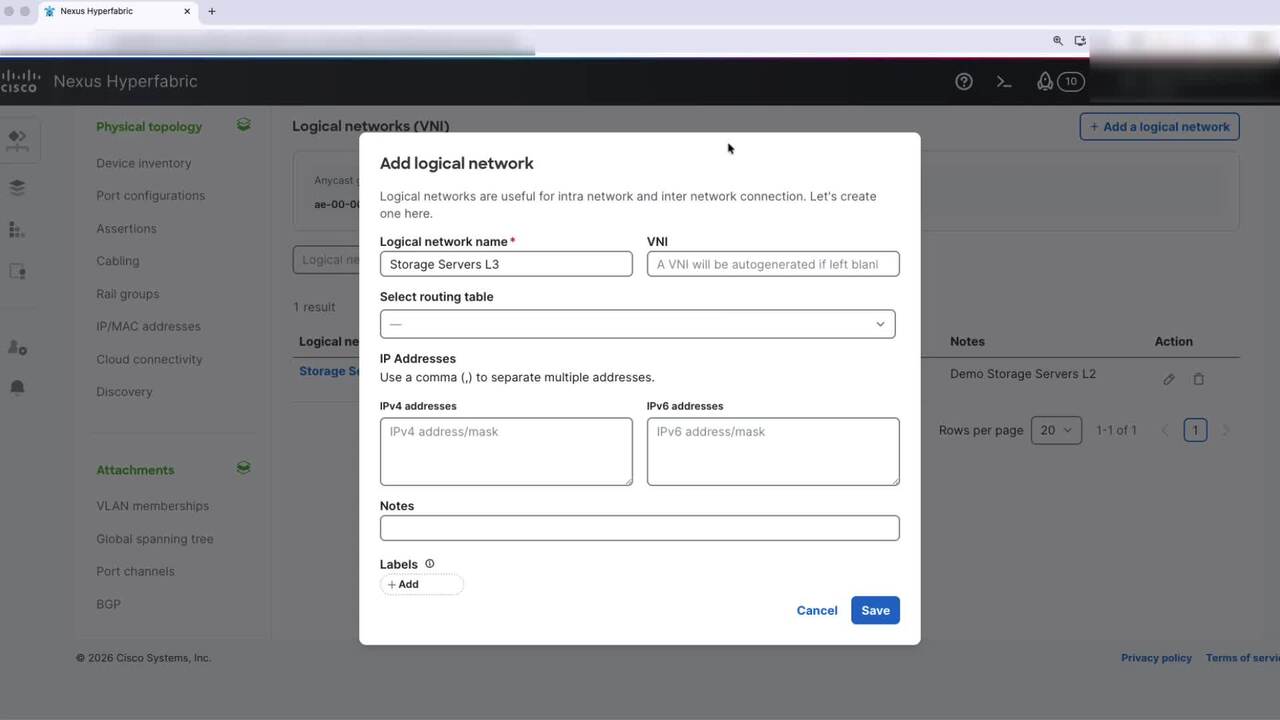
Play video Hyperfabric - Add Logical Network (VNI)
Hyperfabric - Add Logical Network (VNI)
This video will walk you through the process of creating a logical network in Cisco Hyperfabric. You can create either a Layer 2 or Layer 3 logical network, depending on your segmentation and routing needs.
2:26