Upgrade Your Router in IOS-XE
1:43
Video demonstrating how to upgrade your Catalyst 8000 router Cisco IOS-XE® image.
Related Videos
In TAC
-
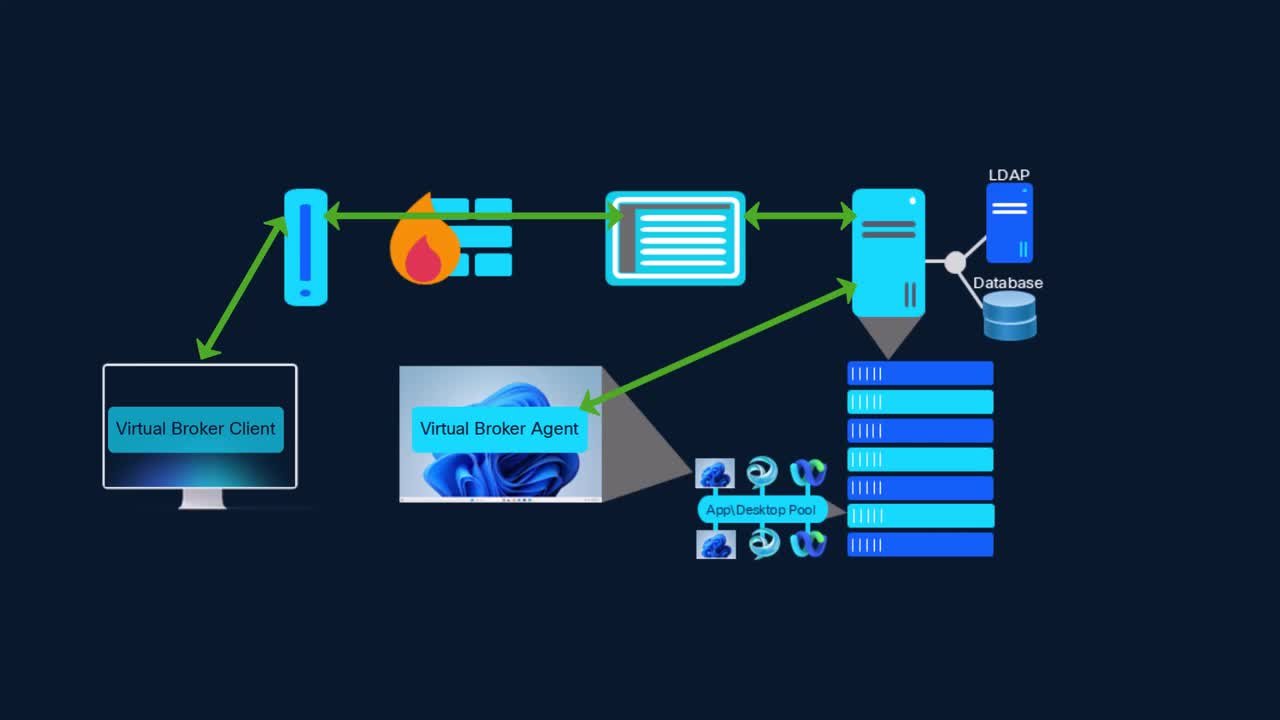
Play video Cisco VDI Client Architecture
Cisco VDI Client Architecture
This video provides guidance and configuration regarding the Cisco VDI client architecture. Tags: jabber,vdi
11:17
-
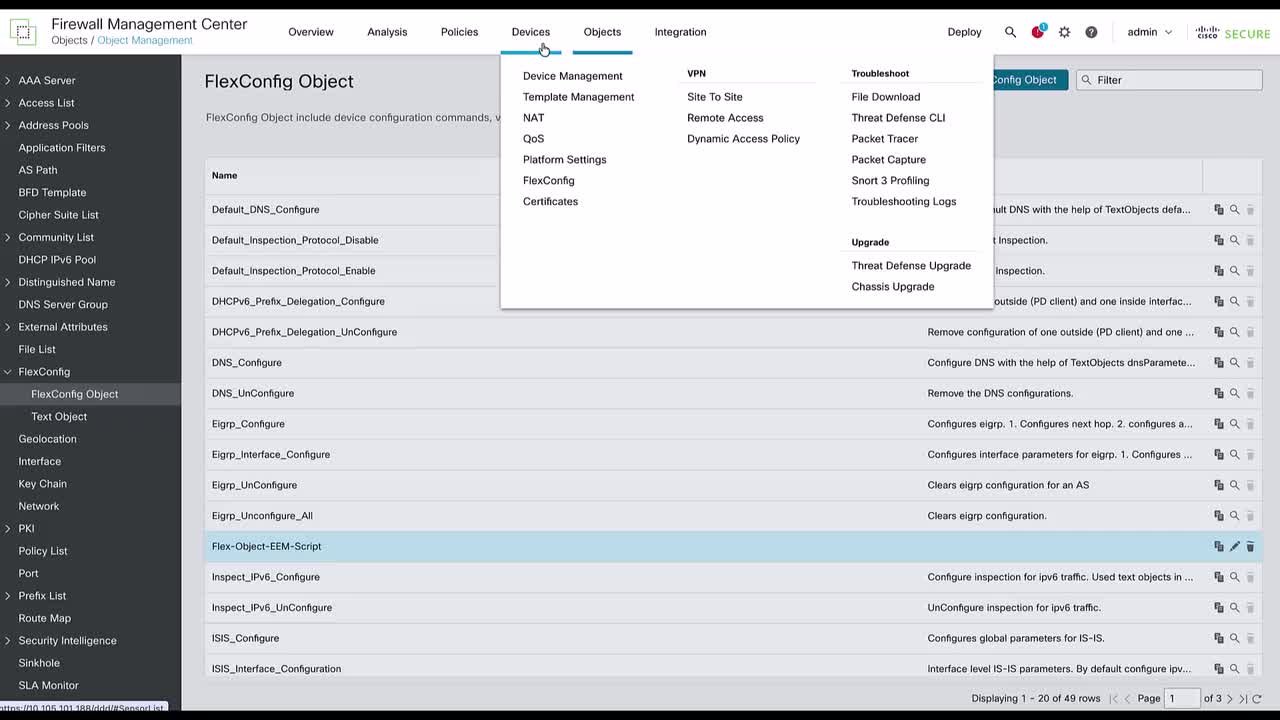
Play video FTD: Configure EEM scripts for block depletion logs on FTD using FlexConfig
FTD: Configure EEM scripts for block depletion logs on FTD using FlexConfig
This video demonstrates the steps to configure an EEM script on FTD using a FlexConfig policy to automatically capture the block depletion logs to the flash whenever a syslog error of low free memory blocks occurs on FTD, for analysis purposes.
4:58
-
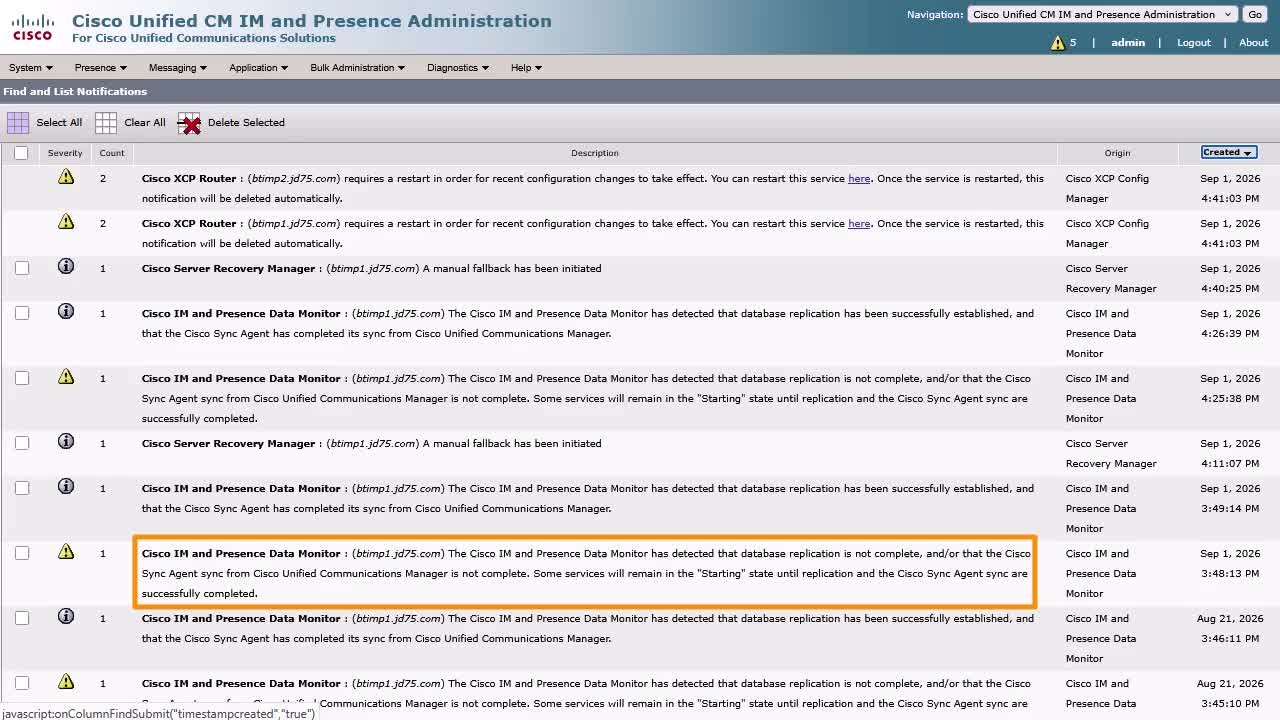
Play video Check Notifications in IM and Presence
Check Notifications in IM and Presence
This video explains what the notification feature of IM and Presence is and how to manage them for better administration of the server. Tags: presence,notification,error
3:39
-
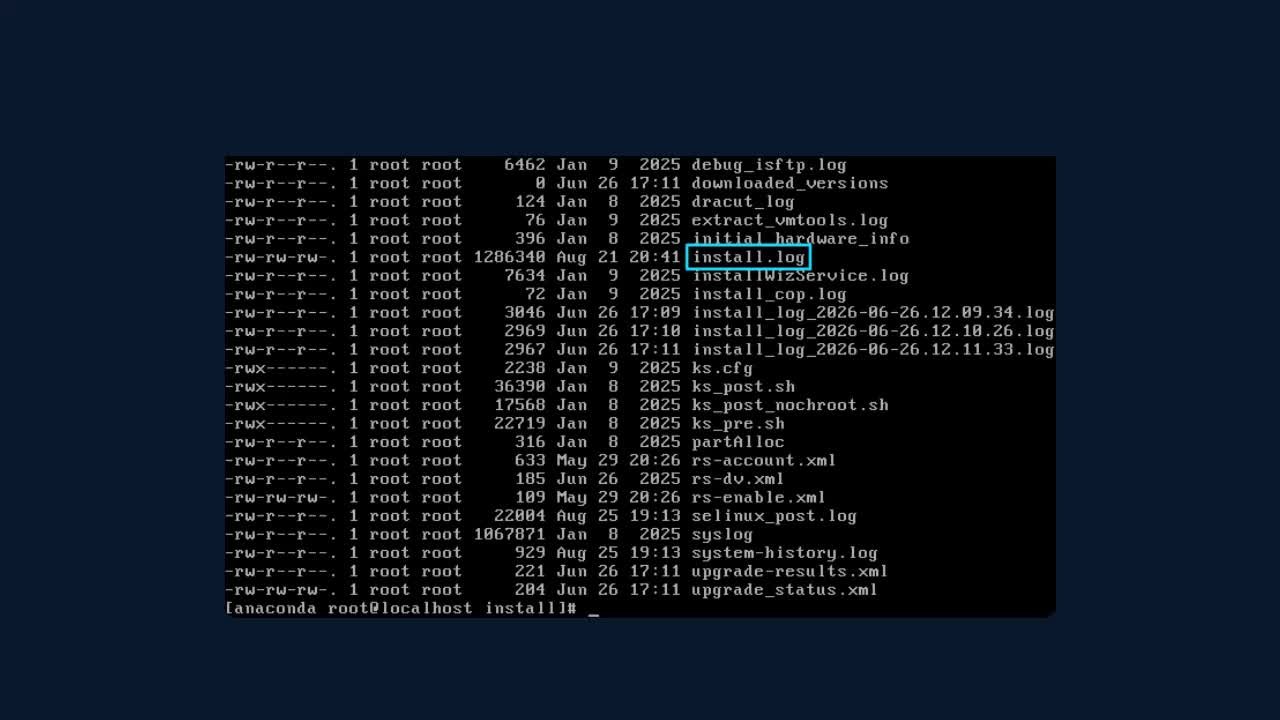
Play video Obtain Install Logs From IM and Presence with the ISO Recovery Tool
Obtain Install Logs From IM and Presence with the ISO Recovery Tool
This video demonstrates how to collect the install logs after an installation failure using the ISO Recovery Tool.
6:31
-
Play video Cisco VDI Client Overview
Cisco VDI Client Overview
This video provides an overview of what the Cisco VDI Client is and how it works.
7:51
-
Play video Nexus Dashboard 4.x TACACS Integration
Nexus Dashboard 4.x TACACS Integration
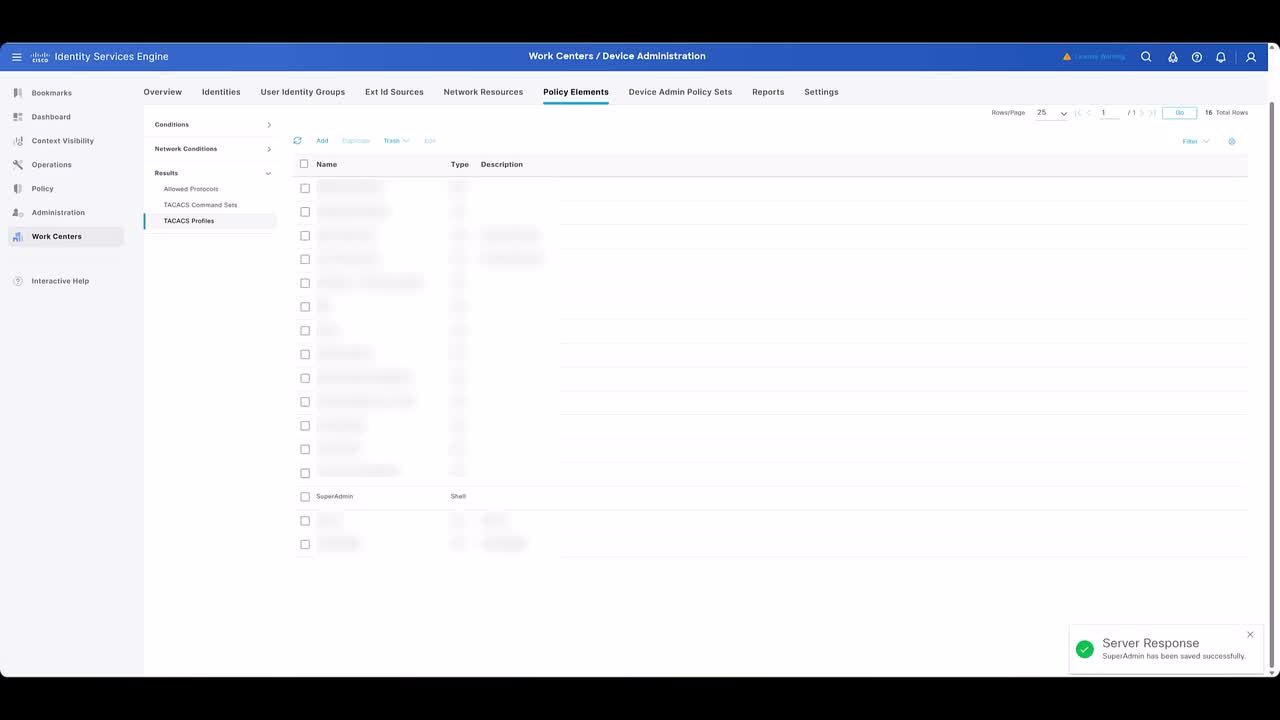
Follow along as I add ISE (TACACS+) login domain to Nexus Dashboard 4.x for AAA login. Tags: Nexus Dashboard, ISE
6:08