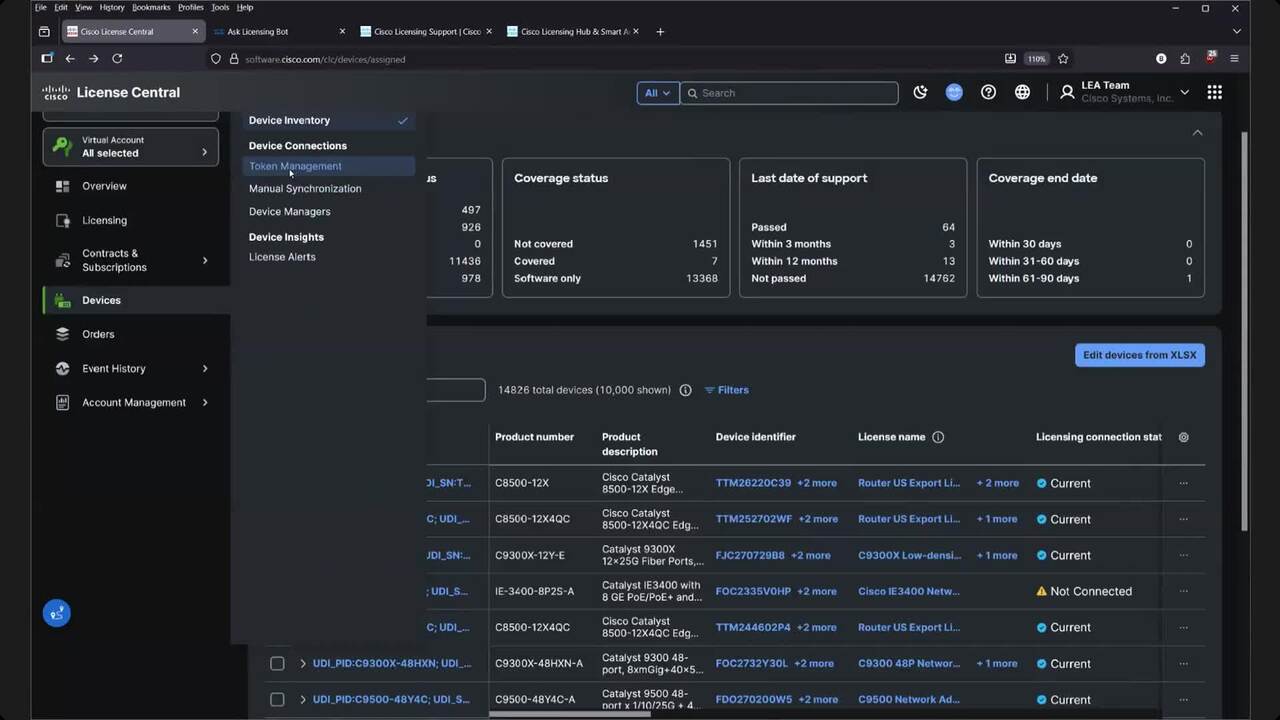
How can I assign an order to a Smart Account, in Cisco License Central (CLC)?
3:34
Assign an order to a Smart Account, in Cisco License Central (CLC)
Related Videos
In Smart Account
-
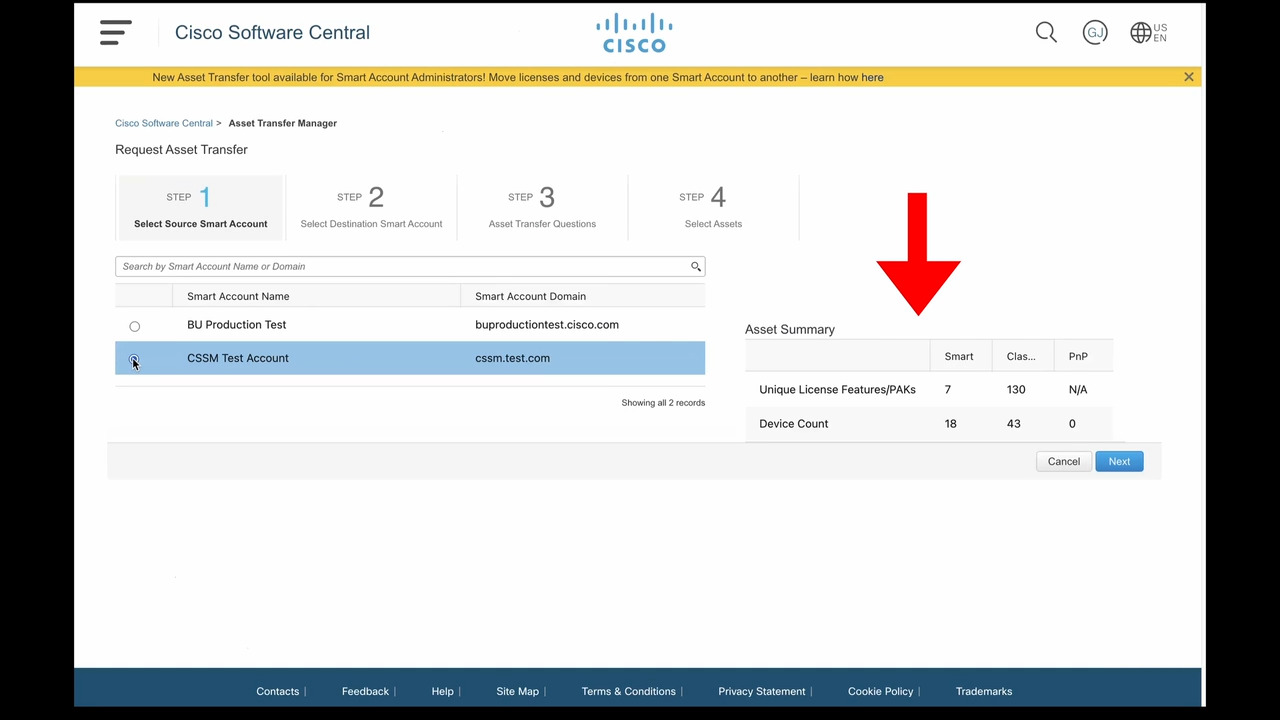
Play video Smart Account Asset Transfer Manager Demonstration
Smart Account Asset Transfer Manager Demonstration
Self-serve tool released December 2023 allows customers and partners to transfer licenses and devices between Smart Accounts.
3:38
-
Play video Accessing Enterprise Agreement Workspace
Accessing Enterprise Agreement Workspace
This is the first video in the Enterprise Agreement - Workspace Access & Smart Account Management series. In this video you will learn how to access the Enterprise Agreement workspace in the Smart Account.
0:51
-
Play video Creating Virtual account in Enterprise Agreement
Creating Virtual account in Enterprise Agreement
Learn how to create a Virtual Account in the Smart Account. This video is part of the track 1 of the Enterprise Agreement series: EA Workspace Access & Smart Account Management.
2:29
-
Play video Cisco License Central: SA-level Licensing Usage, SA-VA access directory updates | English | November 20
Cisco License Central: SA-level Licensing Usage, SA-VA access directory updates | English | November 20
Overview with demo. New features: SA-level Licensing Usage & SA-VA access directory updates in License Central
54:15
-
Play video Cisco Software Licensing 101
Cisco Software Licensing 101
Cisco licensing fundamental concepts, prerequisite to any other Cisco licensing training. 27 minutes.
26:42
-
Play video Why Smart Accounts?
Why Smart Accounts?
This brief video covers the benefits and how to request a Cisco Smart Account
1:37