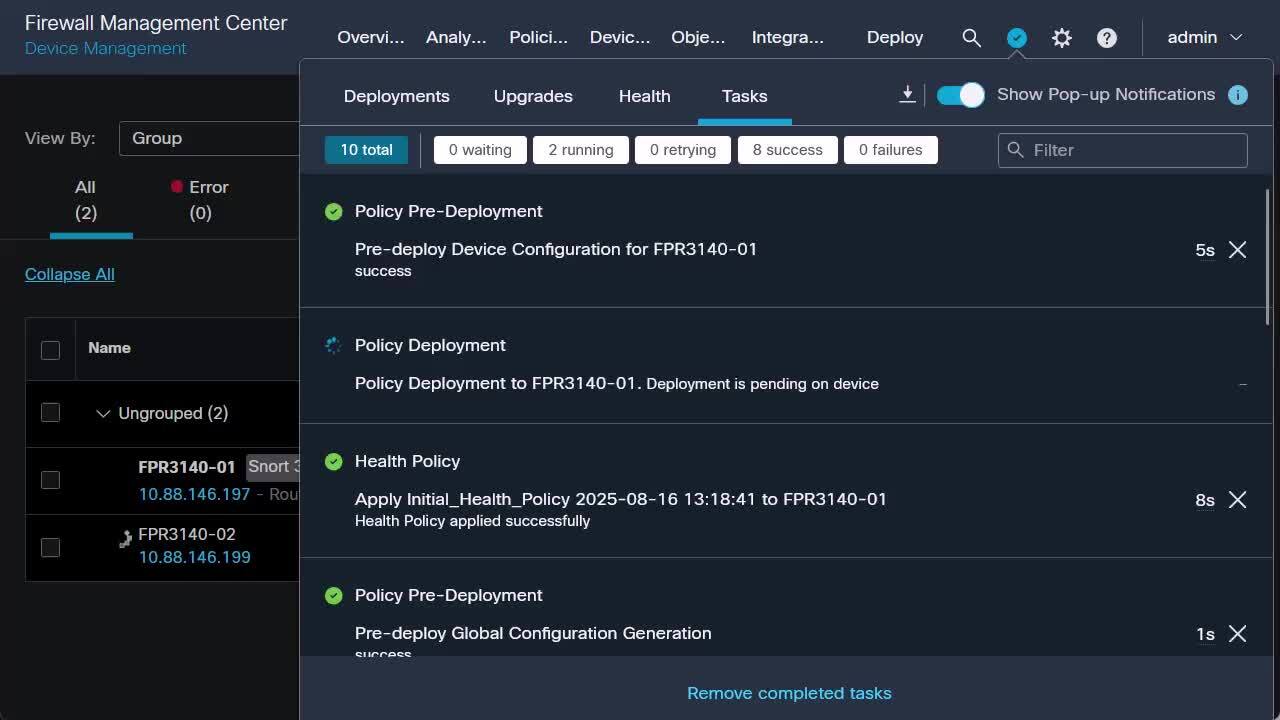
Collect Detailed Connection Information from FTD via FMC
1:49
This Video demonstrates steps to capture detailed connection information from FTD managed by FMC. Tags: Connection table, show conn, fmc, ftd, firewpower
Related Videos
In Firepower
-
Play video Deploy Inter-Cluster FTDs on FPR3100 & FPR4200
Deploy Inter-Cluster FTDs on FPR3100 & FPR4200
This video provides the steps to Deploy Inter-Cluster FTDs on FPR3100 & FPR4200 Tags: portal, cxtacvideos, firepower, security
4:49
-
Play video Configure FTD High Availability Using Secure Firewall Device Manager (FDM)
Configure FTD High Availability Using Secure Firewall Device Manager (FDM)
This video describes the steps to configure FTD High Availability Using Secure Firewall Device Manager (FDM) Tags: firepower, security
5:42
-
Play video Generate FPRM (FXOS) Troubleshooting File on FPR3100 & FPR4200
Generate FPRM (FXOS) Troubleshooting File on FPR3100 & FPR4200
This video provides the steps to Generate FPRM (FXOS) Troubleshooting File on FPR3100 & FPR4200 Tags: portal, cxtacvideos, firepower, security
2:33
-
Play video Create a local user for Secure Firewall Management Center (FMC) GUI
Create a local user for Secure Firewall Management Center (FMC) GUI
This video describes the steps for password reset for CLI admin access in an FMC. Tags: firepower, security
3:41
-
Play video Upgrade to Snort 3 on the Secure Firewall Management Center (FMC)
Upgrade to Snort 3 on the Secure Firewall Management Center (FMC)
This video demonstrates you through upgrading to Snort 3 on the Secure Firewall Management Center (FMC), providing step-by-step instructions to ensure a smooth and successful transition. Tags: Security Firepower
1:06
-
Play video Enable AI Assistant on Secure Firewall Management Center
Enable AI Assistant on Secure Firewall Management Center
This video shows the steps to enable the AI assistant in Secure FMC Tags:AI,CiscoCloud
2:20