Setting Severity Level for InputChannels in BroadWorks
4:11
This video describes steps to set severity level for InputChannels in BroadWorks servers.
Related Videos
In Featured Video
-
Play video Brentwood College streams live regatta successfully with URWB
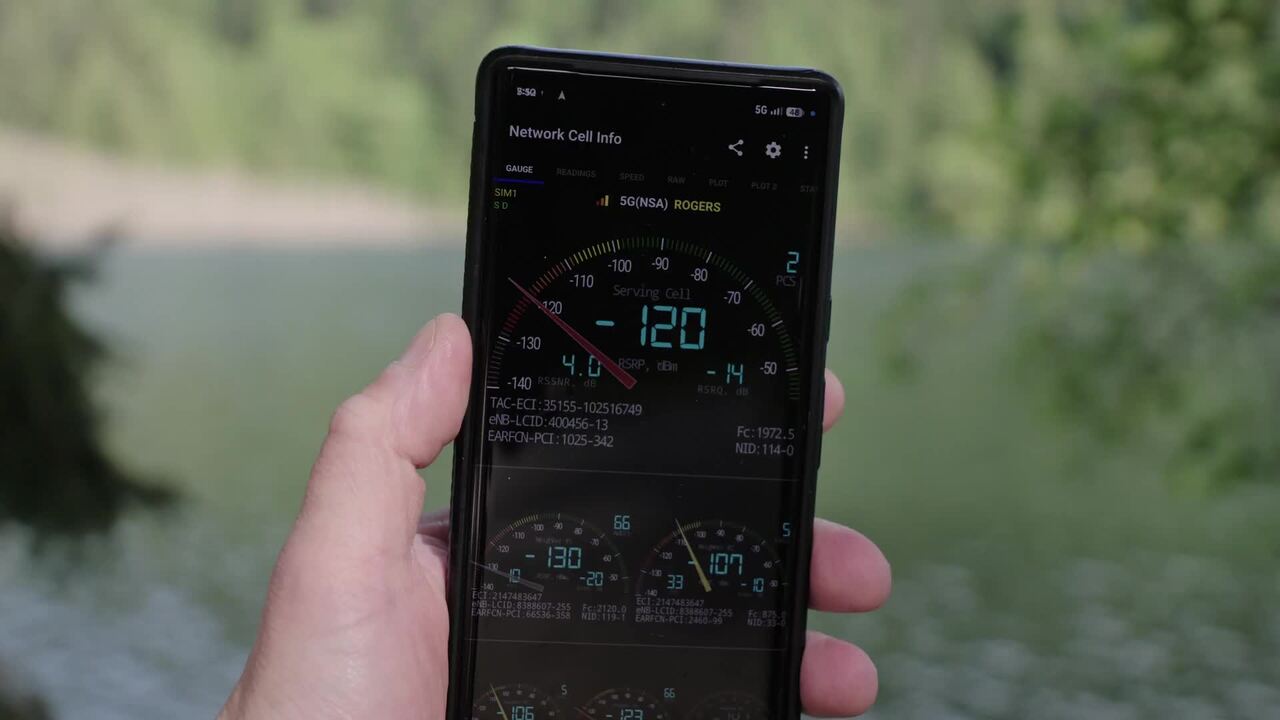
Brentwood College streams live regatta successfully with URWB
See how Brentwood College used Cisco’s Ultra Reliable Wireless Backhaul (URWB) to stream their 54th annual regatta. Includes customer testimonial and discussion of technical challenges.
4:03
-
Play video Secure, Scalable, Self-Service: Rafay Systems Champions Cisco Secure AI Solutions for Service Providers
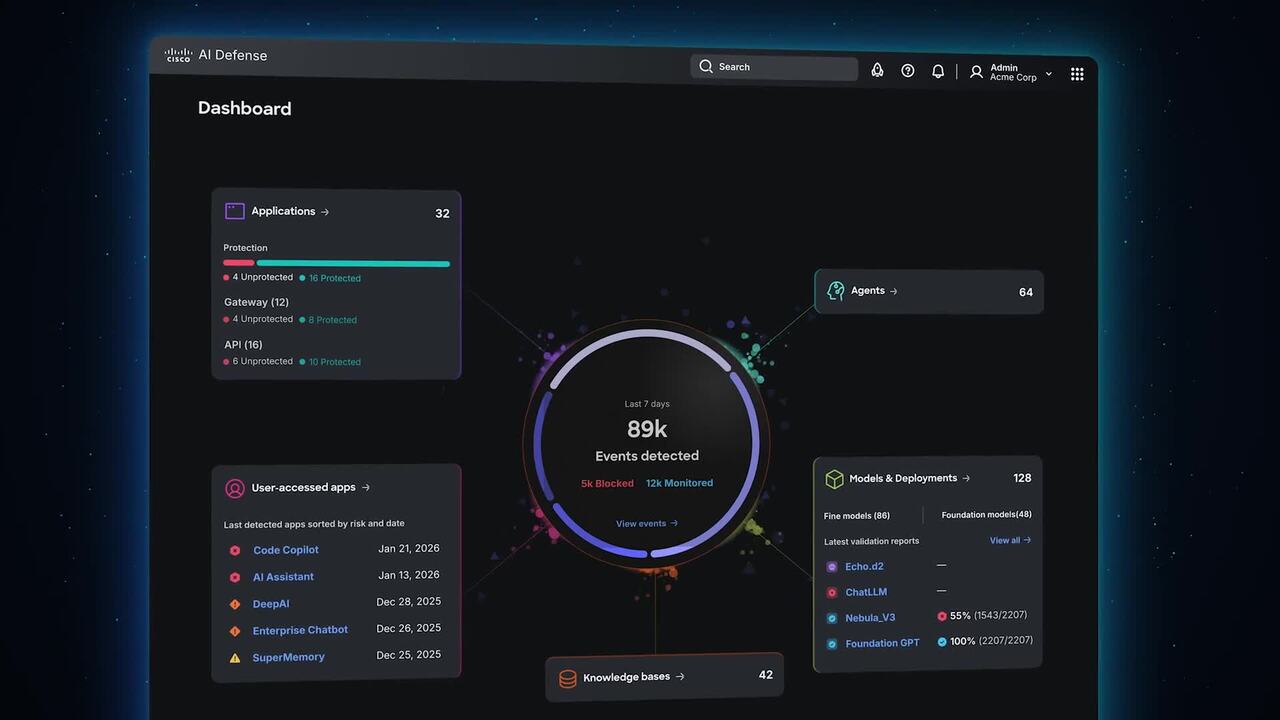
Secure, Scalable, Self-Service: Rafay Systems Champions Cisco Secure AI Solutions for Service Providers
Rafay Systems builds on Cisco AI infrastructure to deliver self-service compute for developers. The integration uses Cisco networking and eBPF-based security to manage multi-tenant isolation and policy enforcement for AI workloads.
4:22
-
Play video How can I export the device report within Cisco License On-Prem (CLP) deployment?
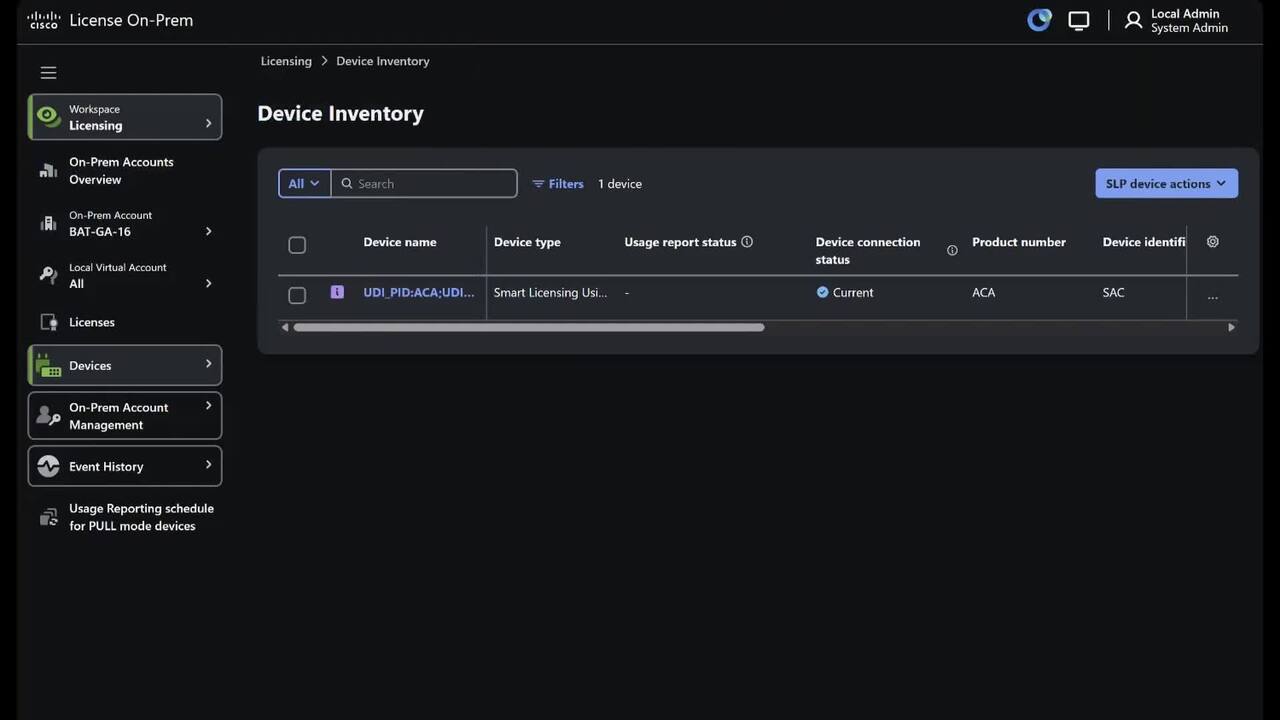
How can I export the device report within Cisco License On-Prem (CLP) deployment?
How can I export the device report within Cisco License On-Prem (CLP) deployment
2:16
-
Play video Streaming the Brentwood Regatta: Cisco URWB Powers Live Sports
Streaming the Brentwood Regatta: Cisco URWB Powers Live Sports
See how Brentwood College used Cisco’s Ultra Reliable Wireless Backhaul (URWB) to stream their 54th annual regatta. Overcoming distance and ocean interference, Cisco technology delivered a seamless, high-speed connection for a global audience.
3:06
-
Play video Cisco Intersight: Elevate Operations to Match Your AI-Ready Investment
Cisco Intersight: Elevate Operations to Match Your AI-Ready Investment
Siloed, reactive tools are leaving ROI on the table. Cisco Intersight delivered unified, proactive infrastructure management—cutting deployment time by 80% and driving 192% ROI. See how smarter operations unlock the full value of your AI investment.
4:11
-
Play video How can I enable Network Address Translation (NAT) in a Cisco License On-Prem (CLP) deployment?
How can I enable Network Address Translation (NAT) in a Cisco License On-Prem (CLP) deployment?
How can I enable Network Address Translation (NAT) in a Cisco License On-Prem (CLP) deployment
1:11