Upgrading a Server to Minimum Supported Firmware in IMM
2:53
This video provides the steps for upgrading a server to the minimum supported firmware in IMM. Tags: IMM,Intersight Managed Mode,Intersight
Related Videos
In Data Center UCS
-
Play video Run Software Diagnostics Tool in Intersight Managed Mode
Run Software Diagnostics Tool in Intersight Managed Mode
This video demonstrates how to run the software diagnostics tool to test server components health. Tags: IMM, SDT
4:25
-
Play video Deploying Hyperflex 6.0(1b) Installer VM
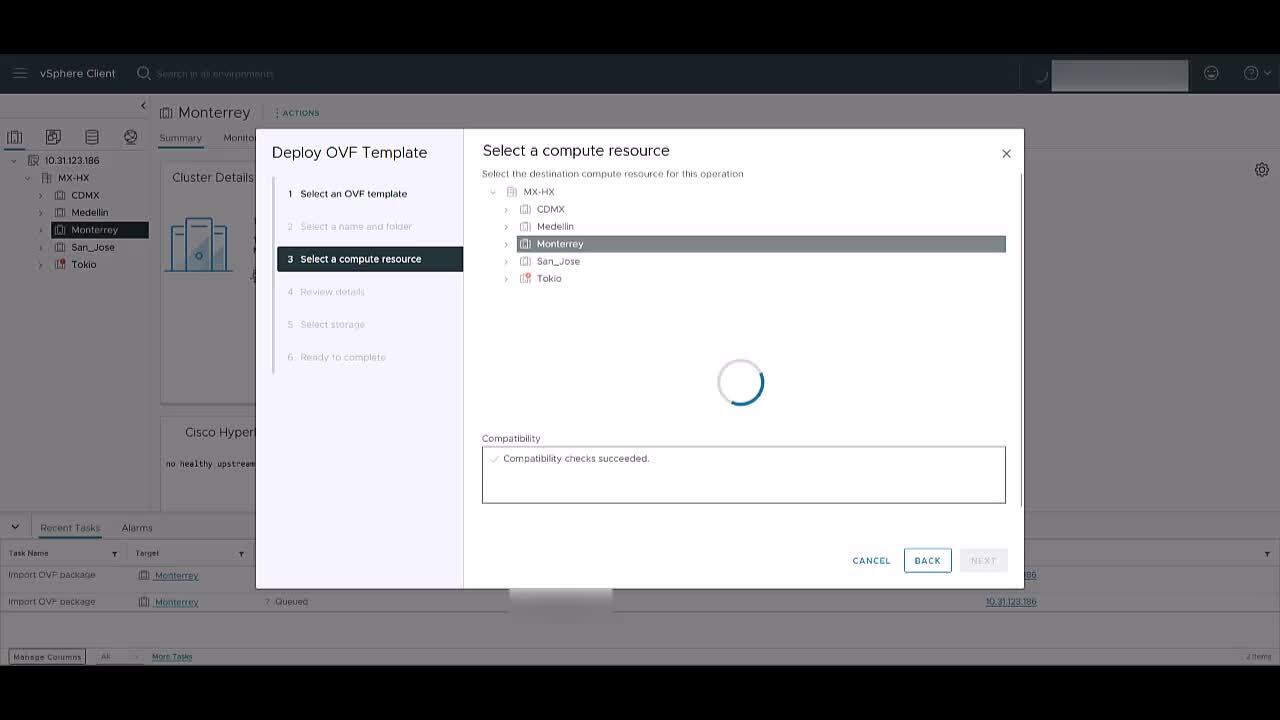
Deploying Hyperflex 6.0(1b) Installer VM
This video shows how to deploy a Hyperflex 6.0(1b) Installer VM for upgrading or deploying purposes. Tags: hyperflex, upgrade, deployment
3:44
-
Play video Resetting Raid Controller to Factory Defaults on Broadcom RAID Controllers
Resetting Raid Controller to Factory Defaults on Broadcom RAID Controllers
This video describes the process to reset a Broadcom RAID controller to factory defaults on UCS Servers. Tags: Data Center UCS,UCS,B Series,X Series,C Series,RAID Controller,Broadcom,Reset,Cicso
2:34
-
Play video Create Domain Profile in Cisco Intersight and Pools for Nutanix IMM Deployment
Create Domain Profile in Cisco Intersight and Pools for Nutanix IMM Deployment
In this video, we explain how to Create Domain Profile in Cisco Intersight and Pools for Nutanix IMM Deployment
7:10
-
Play video Configure ELAM on 2408 IOM
Configure ELAM on 2408 IOM
This video describes how to configure an ELAM capture on a 2408 IOM Tags: Data Center UCS,UCS,B Series,X Series,Cisco,ELAM,IOM,2408,capture
3:09
-
Play video Renew Self-Signed Certificates on UCS-X in IMM
Renew Self-Signed Certificates on UCS-X in IMM
This video describes how to renew Self-Signed Certificates on UCS-X in IMM
3:11