Back to search results for "CLC"
How can I update my license reservation on my device, in Cisco License Central (CLC)?
3:18
Description
Related Videos
Update my license reservation on my device, in Cisco License Central (CLC)
View More
View Less
Related Videos
For "CLC"
-
Play video How can I setup notifications related to my devices, in Cisco License Central (CLC)?
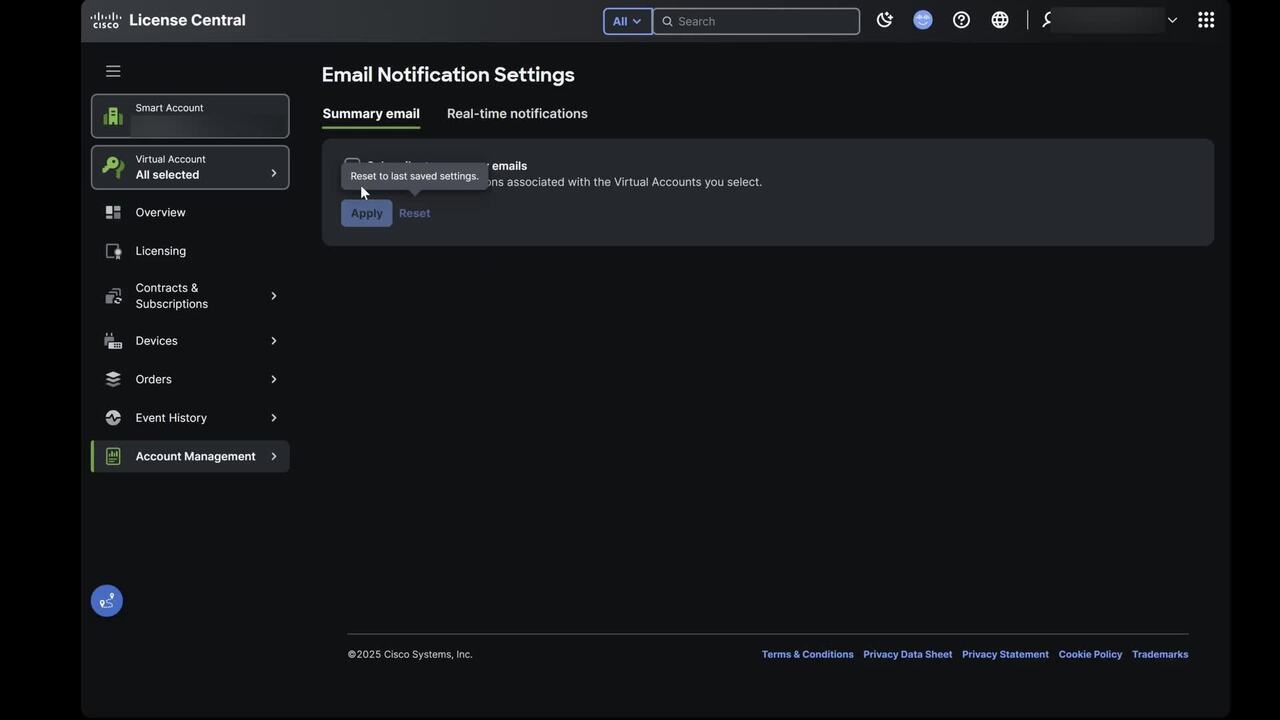
How can I setup notifications related to my devices, in Cisco License Central (CLC)?
Setup notifications related to my devices, in Cisco License Central (CLC)
1:45
-
Play video How can I see a list of events transacted against my order, in Cisco License Central (CLC)?
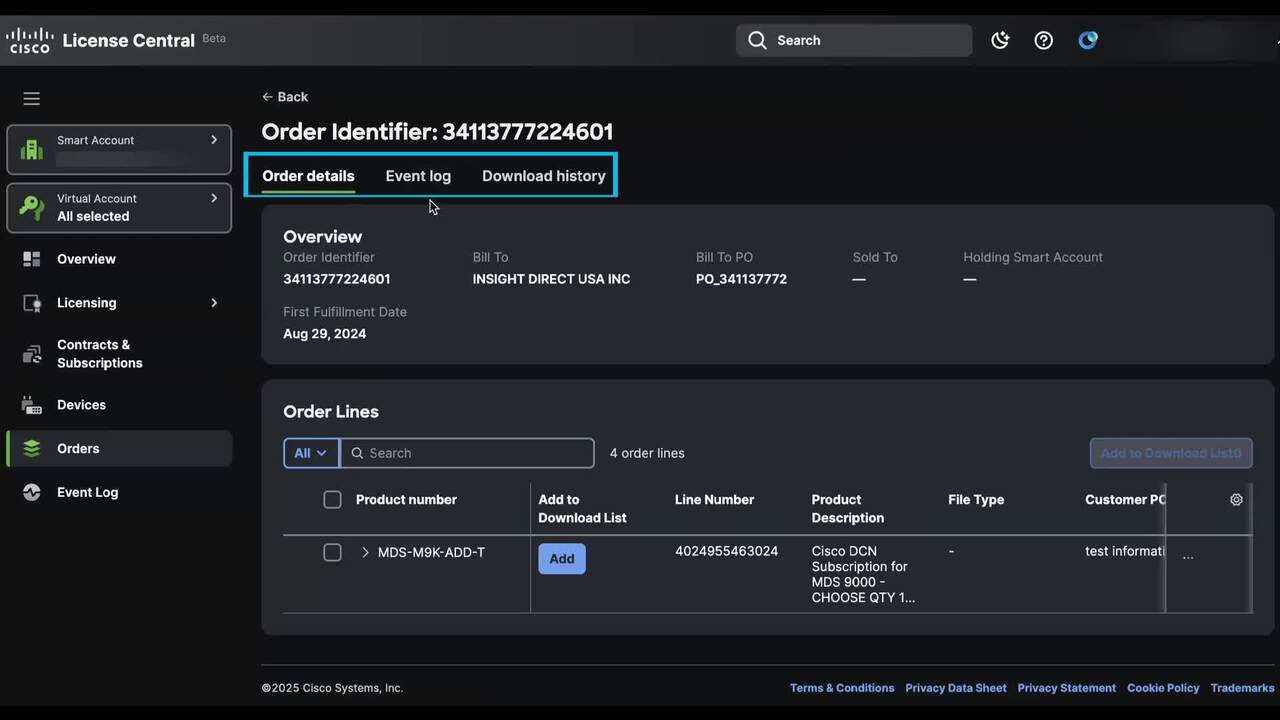
How can I see a list of events transacted against my order, in Cisco License Central (CLC)?
See a list of events transacted against my order, in Cisco License Central (CLC)
1:47
-
Play video How can I find out how many licenses are over consumed, in Cisco License Central (CLC)?
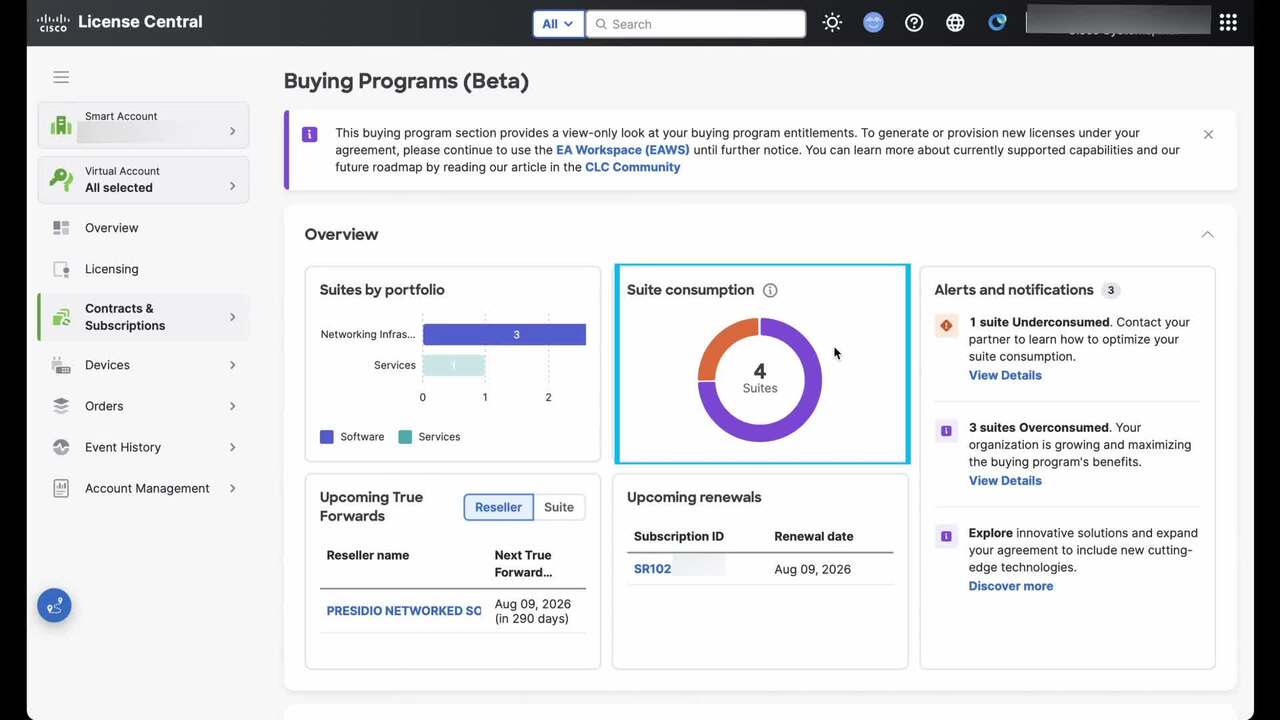
How can I find out how many licenses are over consumed, in Cisco License Central (CLC)?
Find out how many licenses are over consumed, in Cisco License Central (CLC)
1:45
-
Play video How can I view the top level overview information about my Buying Program (BP) suites, in Cisco License Central (CLC)?
How can I view the top level overview information about my Buying Program (BP) suites, in Cisco License Central (CLC)?
View the top level overview information about my Buying Program (BP) suites, in Cisco License Central (CLC).
4:45
-
Play video How can I download a report of all my devices that includes license usage, in Cisco License Central (CLC)?
How can I download a report of all my devices that includes license usage, in Cisco License Central (CLC)?
Download a report of all my devices that includes license usage, in Cisco License Central (CLC)
2:05
-
Play video How can I access a detailed license event log with complete transaction history, in Cisco License Central (CLC)?
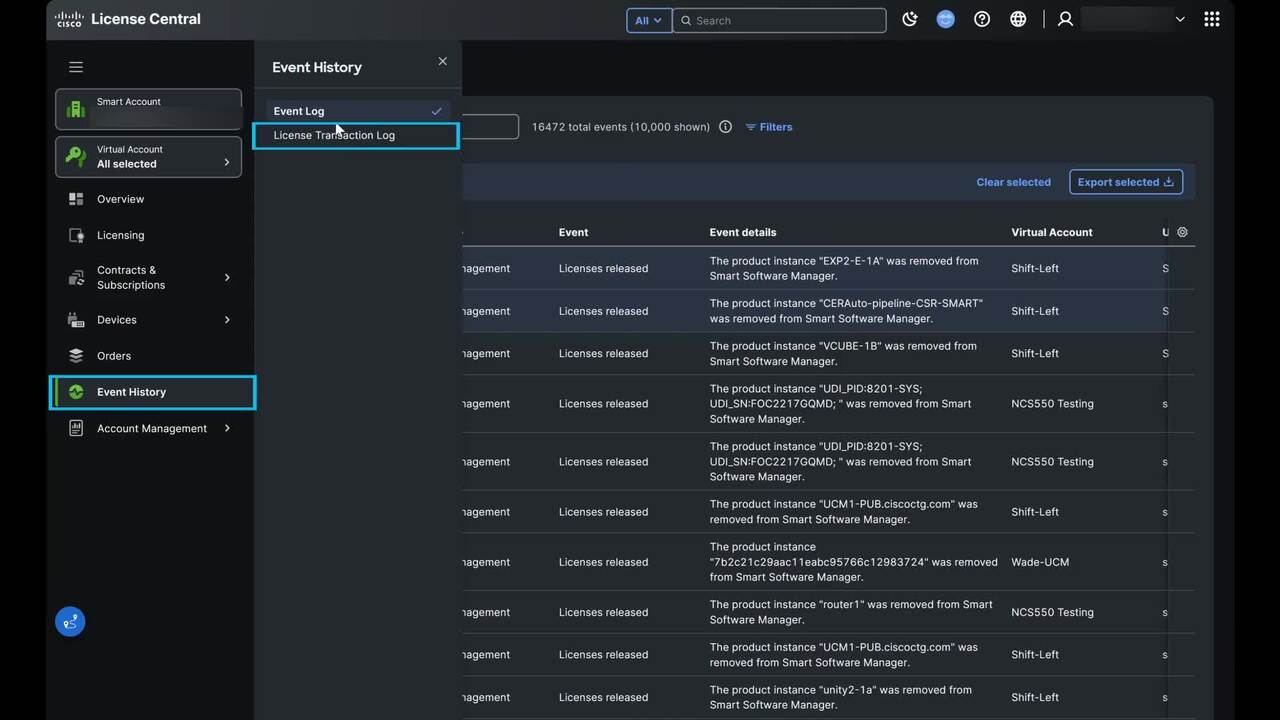
How can I access a detailed license event log with complete transaction history, in Cisco License Central (CLC)?
Access a detailed license event log with complete transaction history, in Cisco License Central (CLC)
3:15