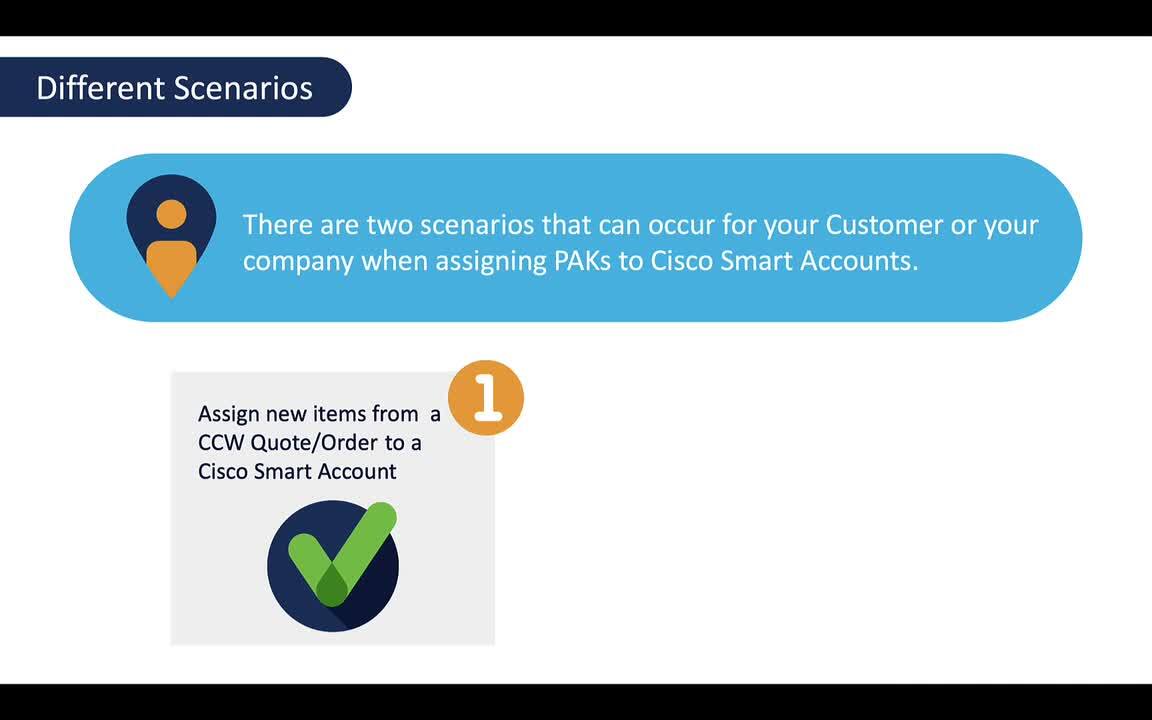
Assign Classic PAK-based License to Smart Account
3:47
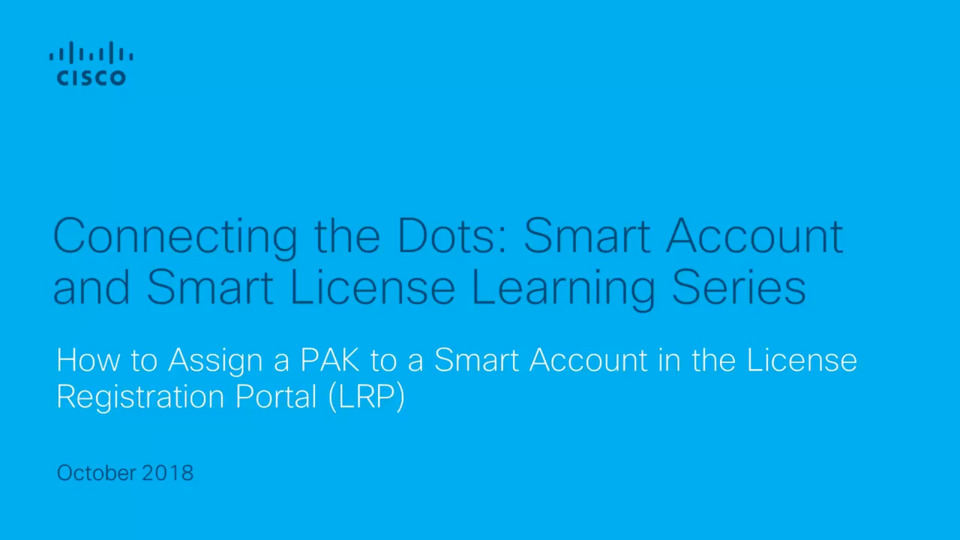
This brief video shows how to assign a PAK to a Smart Account in the License Registration Portal (LRP).
Related Videos
For "smart account"
-
Play video 04 Licenses and Devices Tab in the License Registration Portal
04 Licenses and Devices Tab in the License Registration Portal
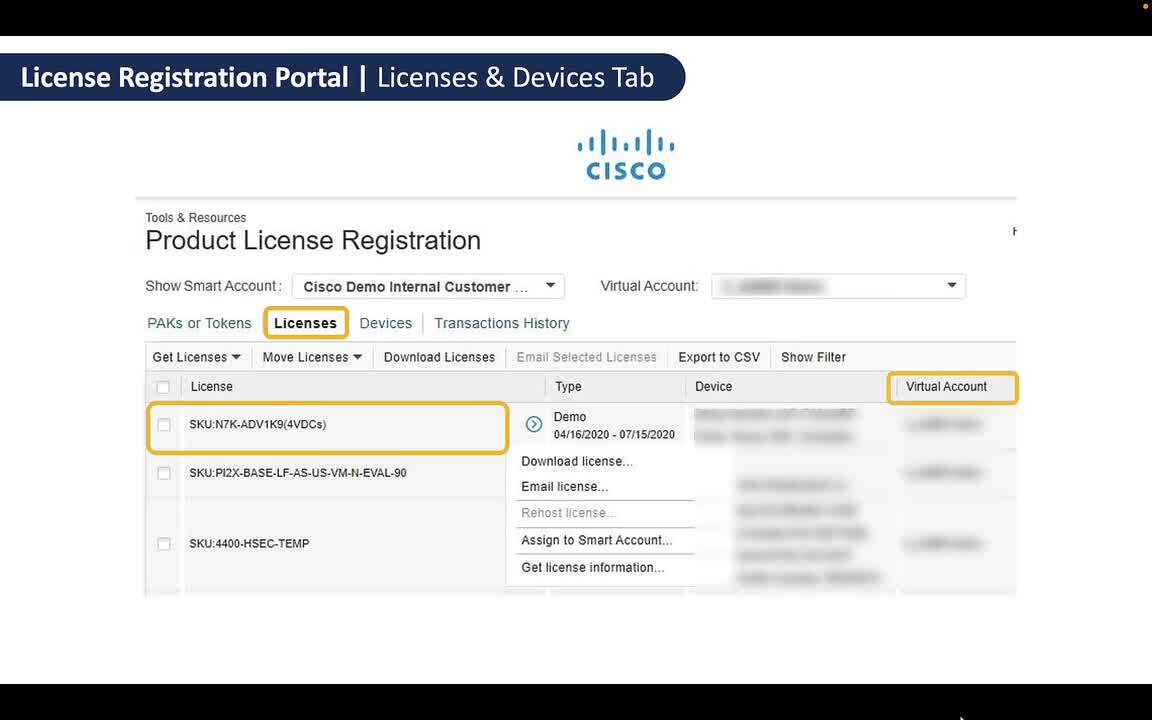
This is the fourth video in the Classic Licenses with Smart Accounts learning series. This video explains what can be done within the Licenses and Devices Tab in the License Registration Portal.
1:04
-
Play video 05 Convert Classic Licenses to Smart Licenses
05 Convert Classic Licenses to Smart Licenses
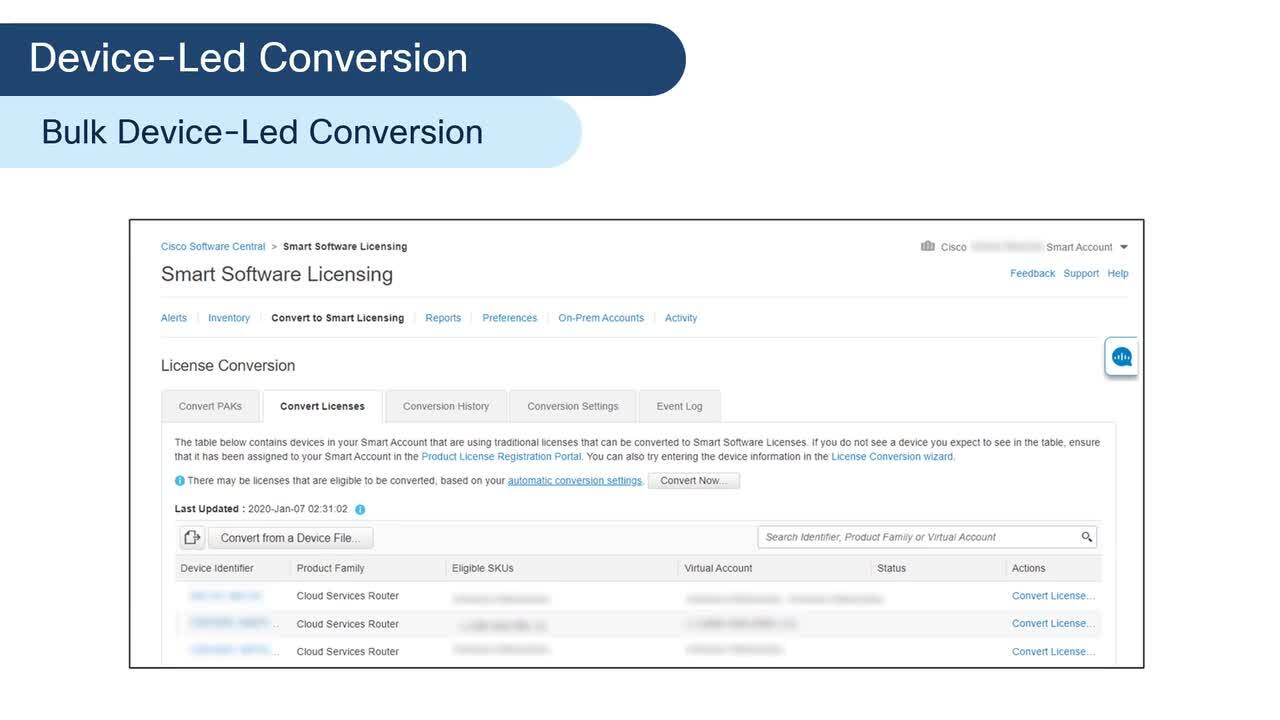
This is the fifth video in the Classic License with Smart Accounts learning series. This video explains the process of converting Classic PAK-based licenses to Cisco Smart licenses.
11:22
-
Play video Cisco Tech Talk – How to Request a Smart Account
Cisco Tech Talk – How to Request a Smart Account
In this edition of Cisco Tech Talk, I’ll show you how to request a Cisco Smart Account to get you on your way toward a streamlined experience.
3:58
-
Play video 03 Assign Classic PAKs to Smart Accounts
03 Assign Classic PAKs to Smart Accounts
This is the third video in the Classic License with Smart Accounts learning series. This video explains the process on how to assign classic PAKs to a Cisco Smart Account.
1:57
-
Play video Assign PAK to a SA and VA
Assign PAK to a SA and VA
This video demonstrates how to assign a PAK to a Customer Smart Account/Virtual Account.
3:47
-
Play video 01 Scenarios to assign Classic Licenses to a Smart Account
01 Scenarios to assign Classic Licenses to a Smart Account
This is the first video in the Classic License with Smart Account learning series. This video will allow you to learn the different scenarios to assign Classic PAK-Based Licenses to a Cisco Smart Account.
2:10