How to Resolve "Impaired Service" error for VIMT on Webex Control Hub
2:52
This video provides steps on how to resolve the "Impaired Service" error for VIMT (Video Integration for Microsoft Teams) on Control Hub.
Related Videos
In Webex
-
Play video Analysing Webex UCM Calling logs using Collaboration Solution Analyzer
Analysing Webex UCM Calling logs using Collaboration Solution Analyzer
The video shows how to analyse Webex UCM Calling logs using Collaboration Solution Analyzer tool (CSA) Tags: webex, ucm calling
3:43
-
Play video Showing or Hiding Webex calling Features for Users from Control Hub
Showing or Hiding Webex calling Features for Users from Control Hub
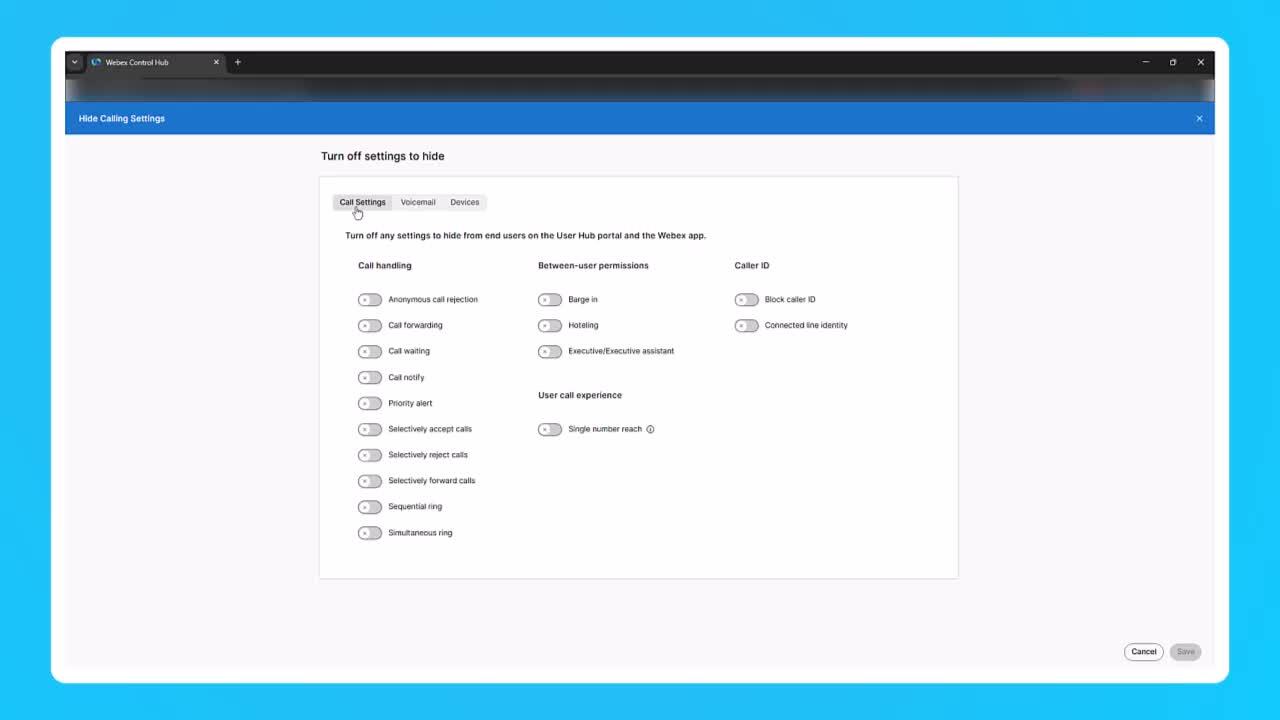
This video demostrates Showing or Hiding Webex calling Features for Users from Control Hub Tags: control hub, administrator
2:17
-
Play video How to add a User and Workspace then assign a Cisco Webex Calling professional / Workspace license.
How to add a User and Workspace then assign a Cisco Webex Calling professional / Workspace license.
This video demonstrates how to add a user and Workspace and assign a Cisco Webex Calling license. Tags: Webex, Calling
1:47
-
Play video MPP Phone Firmware Upgrade Using External TFTP Server
MPP Phone Firmware Upgrade Using External TFTP Server
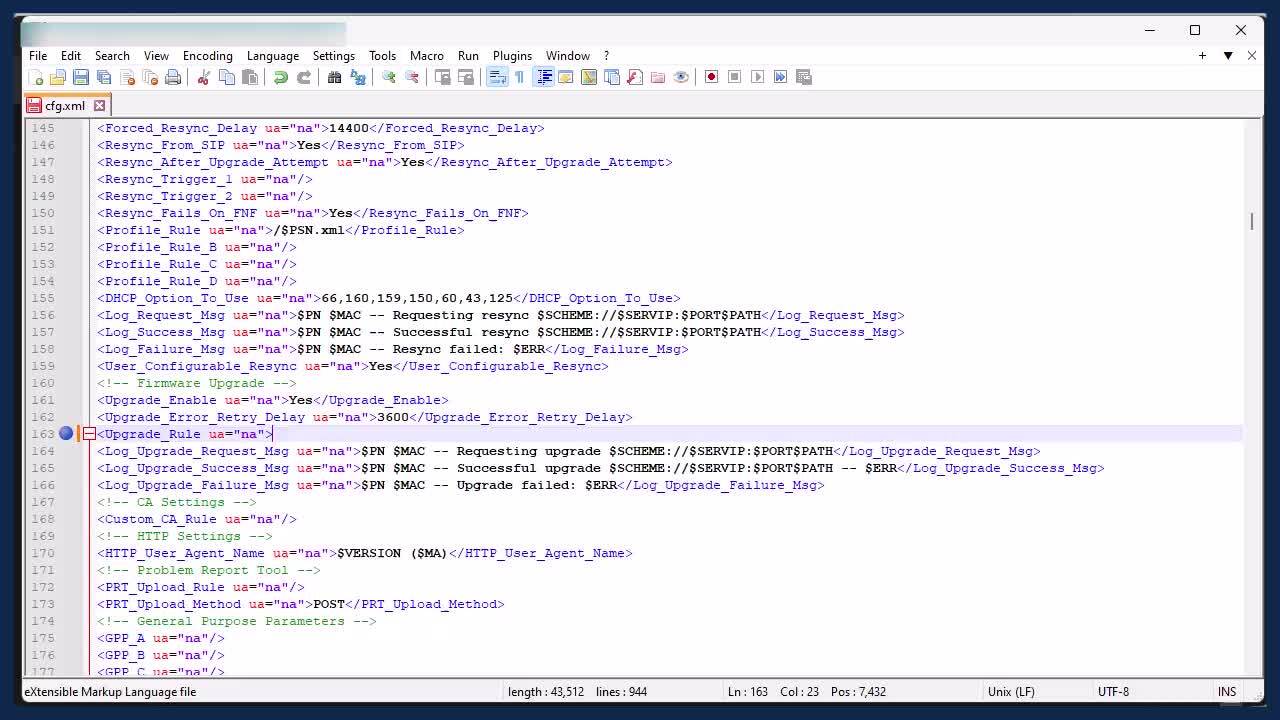
This video demonstrates the steps to upgrade WebEx Multiplatform(MPP) Phone's firmware using external TFTP server. Tags: webex, devices
8:00
-
Play video Cloud Connected UC Directory Service
Cloud Connected UC Directory Service
This video explains configuration of Cloud Connected UC Directory Service
4:13
-
Play video Collecting and Sharing Webex App Console logs from iPhone iPad with TAC
Collecting and Sharing Webex App Console logs from iPhone iPad with TAC
This video will demonstrate the process of Collecting Webex App Console logs from your iPhone/iPad Devices and sharing it with TAC. Tags: meetings
1:13