Debug Collection from 98XX MPP Phones (Webex Calling)
1:39
This Video demonstrate the process of configuring the Webex Control Hub to enable debug collection from 98XX series MPP phones.
Related Videos
In Webex
-
Play video Add Custom URL Shortcuts on Webex App
Add Custom URL Shortcuts on Webex App
This Video will demonstrate how site Administrator can add custom shortcut URL on Webex App's navigation menu, that allows users to click a shortcut and open the target URL in Webex App.
1:10
-
Play video Showing or Hiding Webex calling Features for Users from Control Hub
Showing or Hiding Webex calling Features for Users from Control Hub
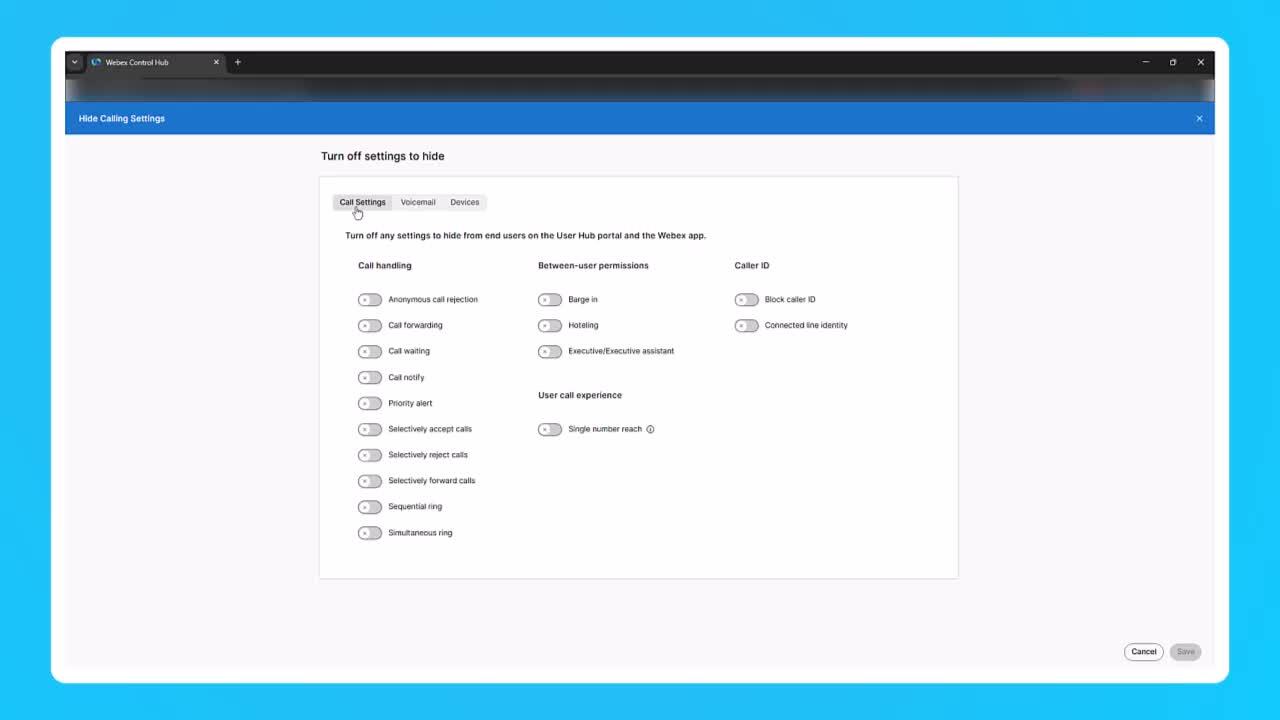
This video demostrates Showing or Hiding Webex calling Features for Users from Control Hub Tags: control hub, administrator
2:17
-
Play video How to add a User and Workspace then assign a Cisco Webex Calling professional / Workspace license.
How to add a User and Workspace then assign a Cisco Webex Calling professional / Workspace license.
This video demonstrates how to add a user and Workspace and assign a Cisco Webex Calling license. Tags: Webex, Calling
1:47
-
Play video MPP Phone Firmware Upgrade Using External TFTP Server
MPP Phone Firmware Upgrade Using External TFTP Server
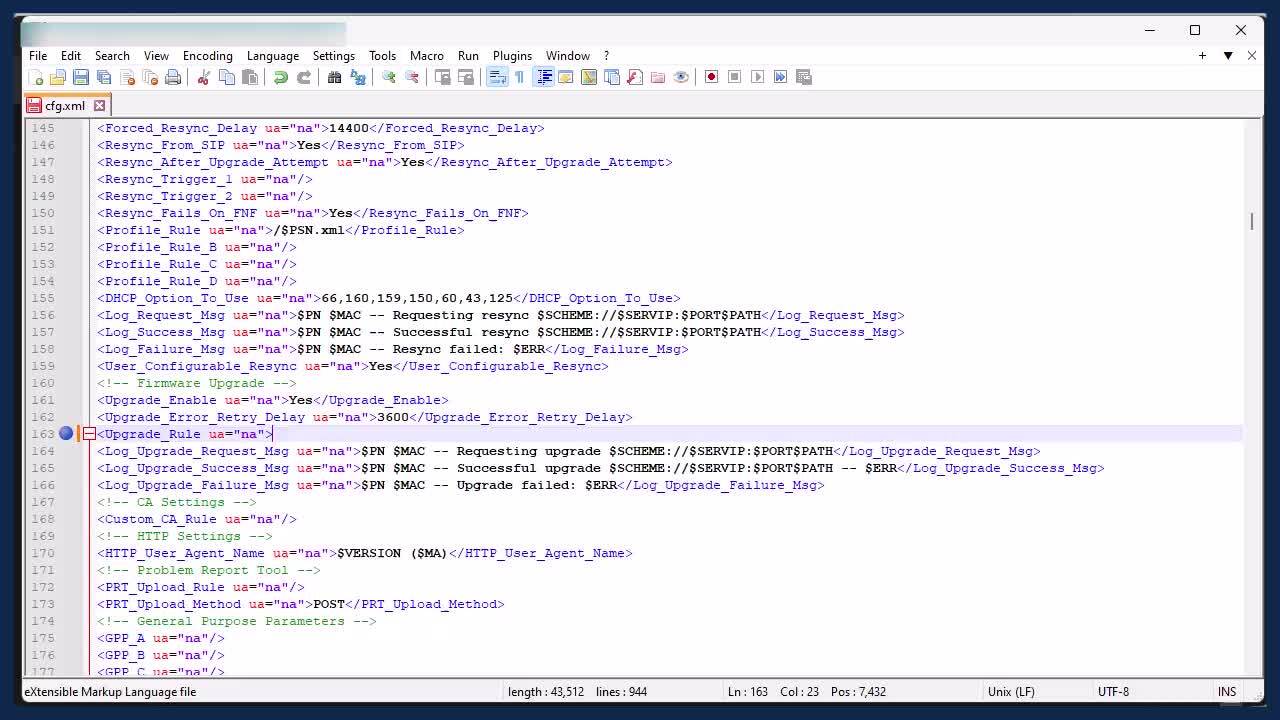
This video demonstrates the steps to upgrade WebEx Multiplatform(MPP) Phone's firmware using external TFTP server. Tags: webex, devices
8:00
-
Play video Gather logs from a RoomKit EQ via Web GUI
Gather logs from a RoomKit EQ via Web GUI
This video demenstrates how to collect logs for an On-prem registered Cisco EP using web GUI. Tags: portal, cxtacvideos, webex, devices
1:08
-
Play video Analysing Webex UCM Calling logs using Collaboration Solution Analyzer
Analysing Webex UCM Calling logs using Collaboration Solution Analyzer
The video shows how to analyse Webex UCM Calling logs using Collaboration Solution Analyzer tool (CSA) Tags: webex, ucm calling
3:43