Collect CCX Engine Logs
1:40
Contributed by: Raul Aguilar This video provides the steps on how to collect Engine logs from either RTMT or CLI Tags: UCCX,Engine,logs
Related Videos
In Unified Contact Center
-
Play video Configure Outbound Campaigns for Agent Based Progressive for UCCX
Configure Outbound Campaigns for Agent Based Progressive for UCCX
Contributed by: Victor Gil This video provides a guide to configure Outbound Campaigns for Agent Based Progressive for UCCX. Tags: UCCX, Outbound Campaigns, Agent Based, Progressive, configure
5:25
-
Play video Setting CCMP log levels
Setting CCMP log levels
This video will show how to set CCMP logs to DEBUG mode
1:49
-
Play video How to configure Smart License on CVP 12.5 (when CVP is integrated with UCCE)
How to configure Smart License on CVP 12.5 (when CVP is integrated with UCCE)
This video provides the methods for configuring Smart License on CVP 12.5 when CVP is integrated with UCCE not with PCCE.
3:22
-
Play video Upgrade Tomcat Utility for UCCE
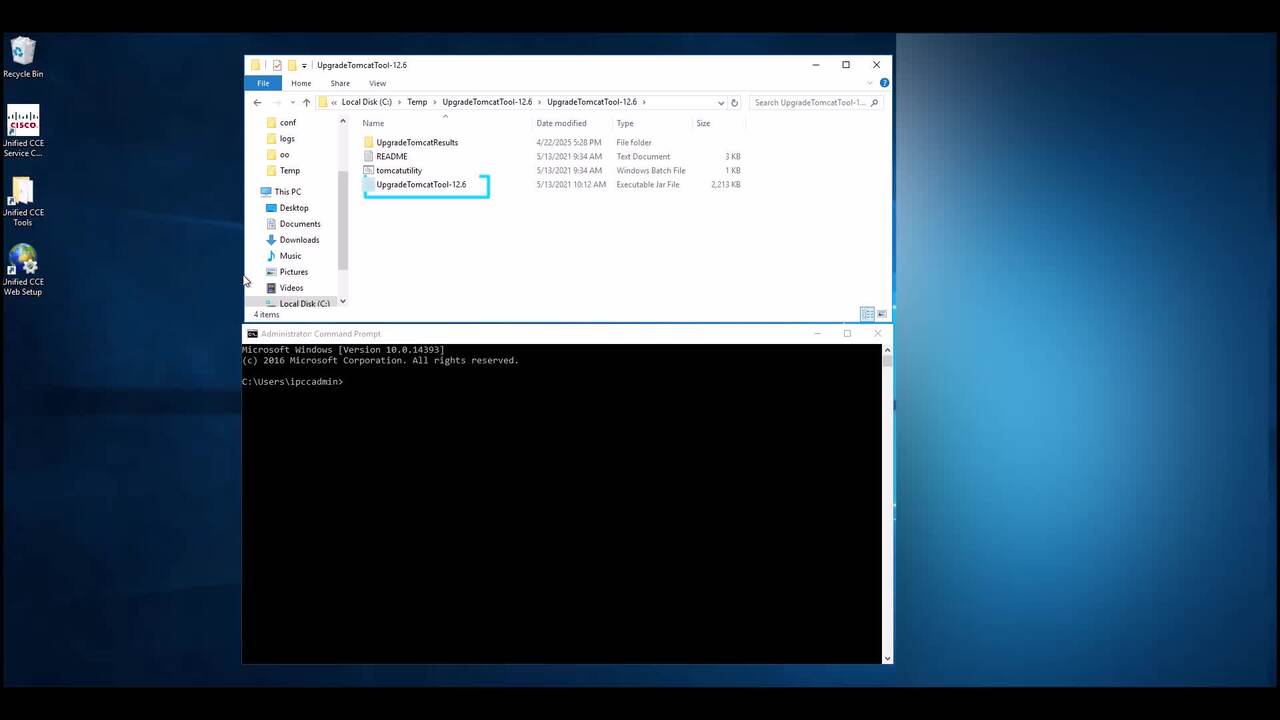
Upgrade Tomcat Utility for UCCE
This Video explains how upgrade Tomcat for UCCE using Tomcat utility. Tags: Tomcat, upgrade,UCCE
2:51
-
Play video Setting CCP Email Tracing Levels
Setting CCP Email Tracing Levels
Contributed by: Gabriel Jimenez In this guide we will walk through on how to enable the Customer Collaboration Platform (CCP) email tracing levels to debug to aid in troubleshooting email issues Tags: ccp,email,uccx
1:58
-
Play video UCCX- Check Missing Data from CUIC Reports and Restore Flat Files
UCCX- Check Missing Data from CUIC Reports and Restore Flat Files
This video outlines the troubleshooting approach for addressing missing data in CUIC reports and demonstrates how to restore the missing data on UCCX.
4:51