Use Intersight to Run Hyperflex Health Checks
2:19
In this video, we see how to run a Hyperflex health check by the use of Intersight.
Related Videos
In Technical Assistance Center (TAC)
-
Play video Configure ECMP on FDM
Configure ECMP on FDM
This video provide the steps to configure ECMP for Cisco Secure Threat Defense managed by FDM Tags: firepower, security
2:10
-
Play video Cisco VDI Client Overview
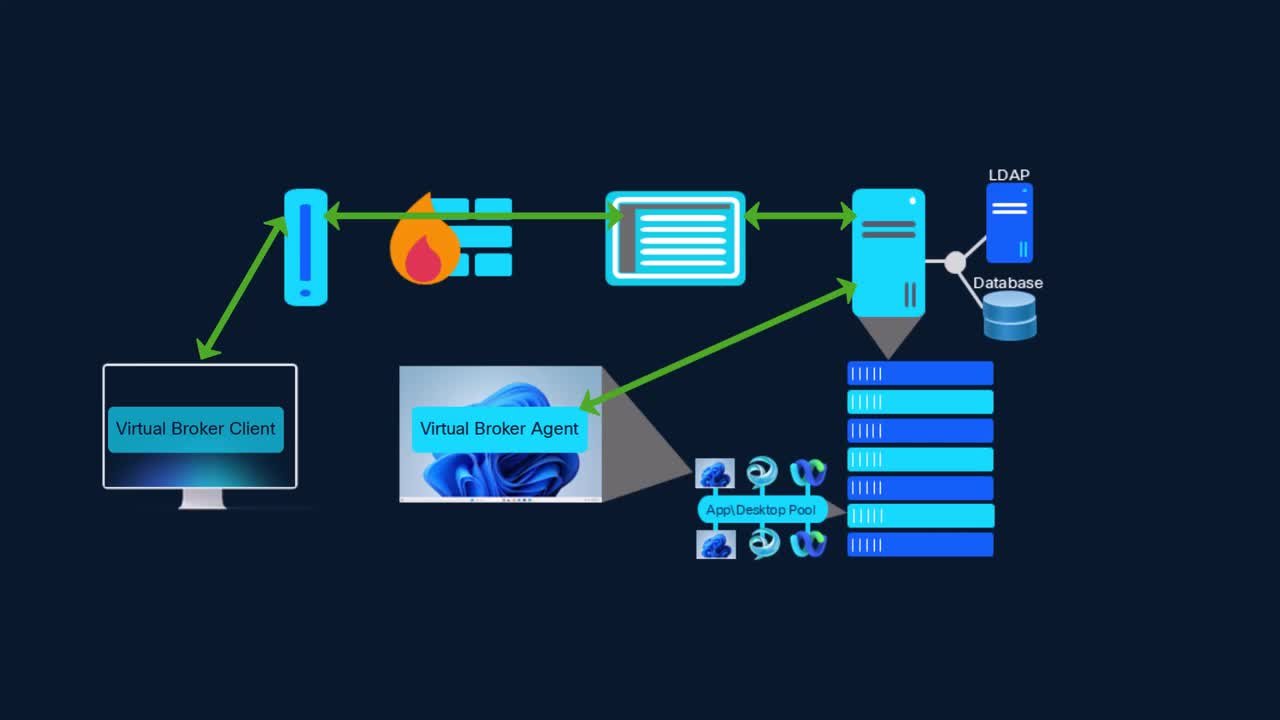
Cisco VDI Client Overview
This video provides an overview of what the Cisco VDI Client is and how it works.
7:51
-
Play video Cisco VDI Client Architecture
Cisco VDI Client Architecture
This video provides guidance and configuration regarding the Cisco VDI client architecture. Tags: jabber,vdi
11:17
-
Play video Firewall - Collect Pigtail on FDM Managed FTD for TAC Analysis
Firewall - Collect Pigtail on FDM Managed FTD for TAC Analysis
This video describes the steps to run and collect the output of pigtail command on FTD managed by FDM, so that it can later be shared with TAC for log analysis purposes. Tags: firepower, security, FDM, pigtail
4:23
-
Play video Nexus Dashboard 4.1- Service Insertion Using Service as Default Gateway
Nexus Dashboard 4.1- Service Insertion Using Service as Default Gateway
This video provides the steps to configure service integration in Nexus Dashboard 4.1 with a service function acting as the default gateway. Tags: Nexus Dashboard, Service Insertion
7:04
-
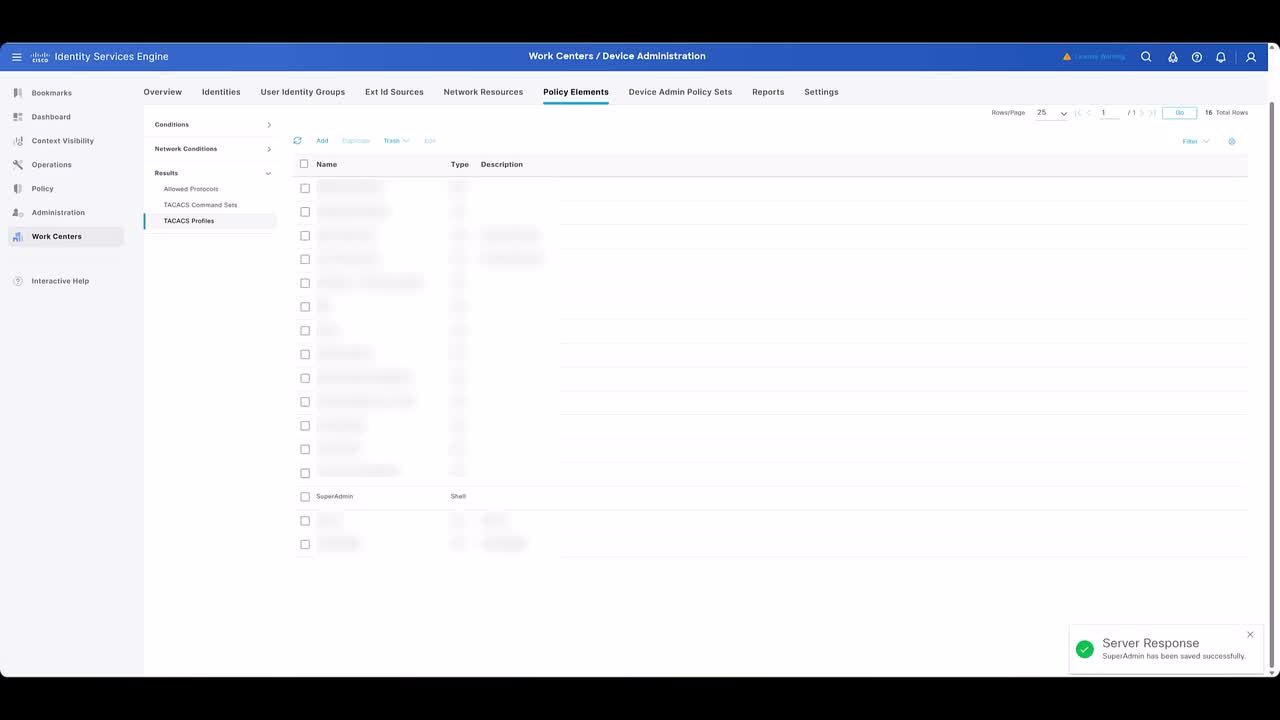
Play video Nexus Dashboard 4.x TACACS Integration
Nexus Dashboard 4.x TACACS Integration
Follow along as I add ISE (TACACS+) login domain to Nexus Dashboard 4.x for AAA login. Tags: Nexus Dashboard, ISE
6:08