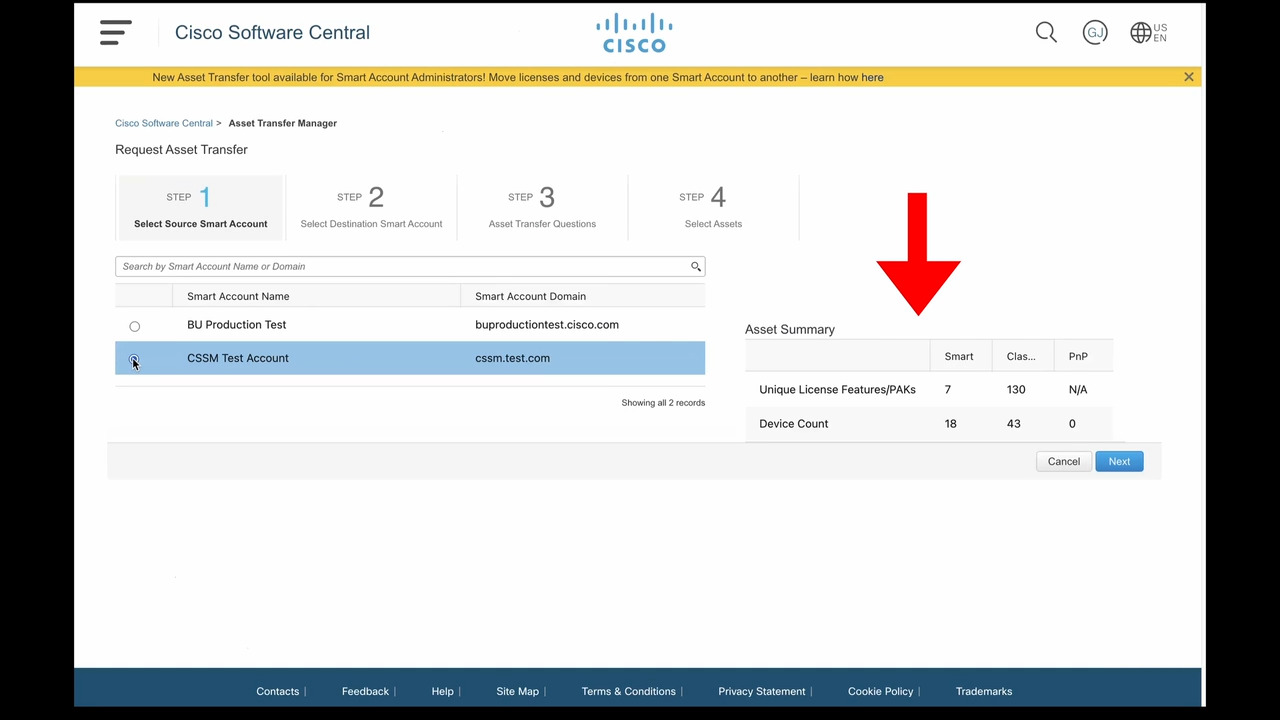
Asset Transfer Manager Tool
0:29
Find out more about the self-serve licensing Asset Transfer Manager tool. Use it to transfer licenses and devices between Smart Accounts.
Related Videos
In Smart Account
-
Play video Cisco Smart Software Manager Commercial Consumption View
Cisco Smart Software Manager Commercial Consumption View
This view allows all users with access to a Smart Account to see which licenses are attached to which devices facilitating intelligent adoption and renewal decisions.
3:33
-
Play video Creating Virtual account in Enterprise Agreement
Creating Virtual account in Enterprise Agreement
Learn how to create a Virtual Account in the Smart Account. This video is part of the track 1 of the Enterprise Agreement series: EA Workspace Access & Smart Account Management.
2:29
-
Play video Enterprise Agreement - Adding Users/Manage Smart Account
Enterprise Agreement - Adding Users/Manage Smart Account
Learn how to add users and assign to them different roles in the Smart Account. This video is part of the track 1 of the Enterprise Agreement series: EA Workspace Access & Smart Account Management.
1:41
-
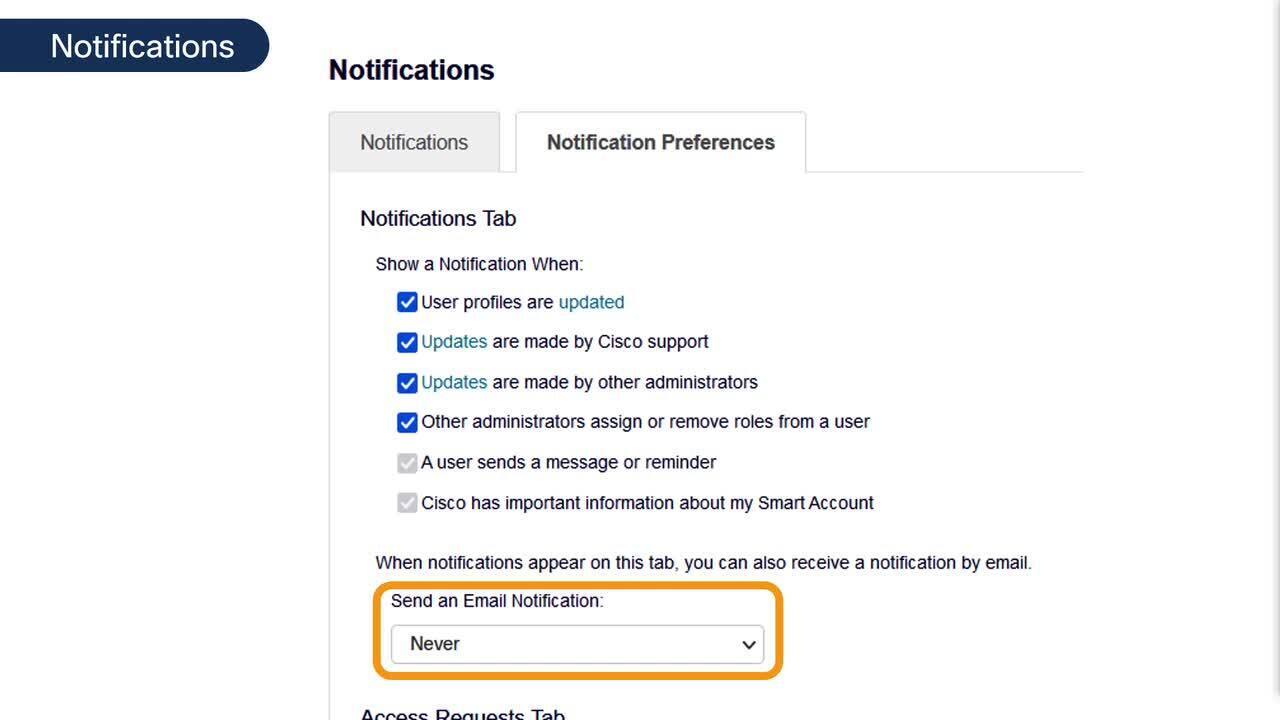
Play video How can I receive notifications regarding my Smart Account, in Cisco License Central (CLC)?
How can I receive notifications regarding my Smart Account, in Cisco License Central (CLC)?
Receive notifications regarding my Smart Account, in Cisco License Central (CLC)
1:39
-
Play video Accessing Enterprise Agreement Workspace
Accessing Enterprise Agreement Workspace
This is the first video in the Enterprise Agreement - Workspace Access & Smart Account Management series. In this video you will learn how to access the Enterprise Agreement workspace in the Smart Account.
0:51
-
Play video Smart Account Asset Transfer Manager Demonstration
Smart Account Asset Transfer Manager Demonstration
Self-serve tool released December 2023 allows customers and partners to transfer licenses and devices between Smart Accounts.
3:38