How to Collect FXOS Troubleshoot File Via Built-in FCM in FMC
2:09
This video describes steps to collect the FXOS troubleshooting file from the built-in FCM in FMC. tags: firepower,fxos,fmc
Related Videos
In Featured Video
-
Play video Supporting critical infrastructure | Constellation | AI Ready Data Center
Supporting critical infrastructure | Constellation | AI Ready Data Center
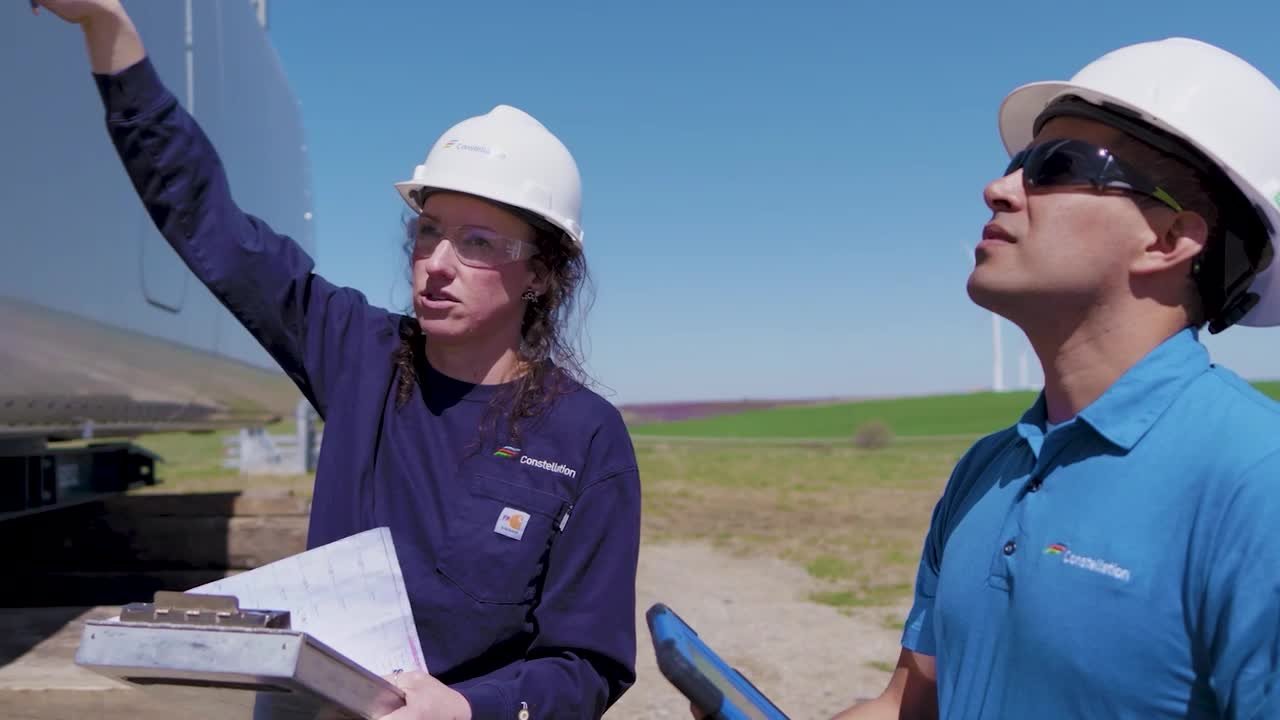
As the nation’s largest producer of clean, reliable energy, Constellation Energy powers homes, communities and businesses across America. Tim Murnane explains why resilient IT operations are essential to that mission.
3:32
-
Play video Asahi Beverages case study: A workplace that’s a part of your workforce
Asahi Beverages case study: A workplace that’s a part of your workforce
By transforming the idea of what an office can be, Asahi Beverages and Cisco created a blueprint for designing an intelligent workplace and world-class employee experience.
2:42
-
Play video Cisco License On-Prem(Part 1): Introduction, Deployment, Upgrade, Account creation & more - Sep | English
Cisco License On-Prem(Part 1): Introduction, Deployment, Upgrade, Account creation & more - Sep | English
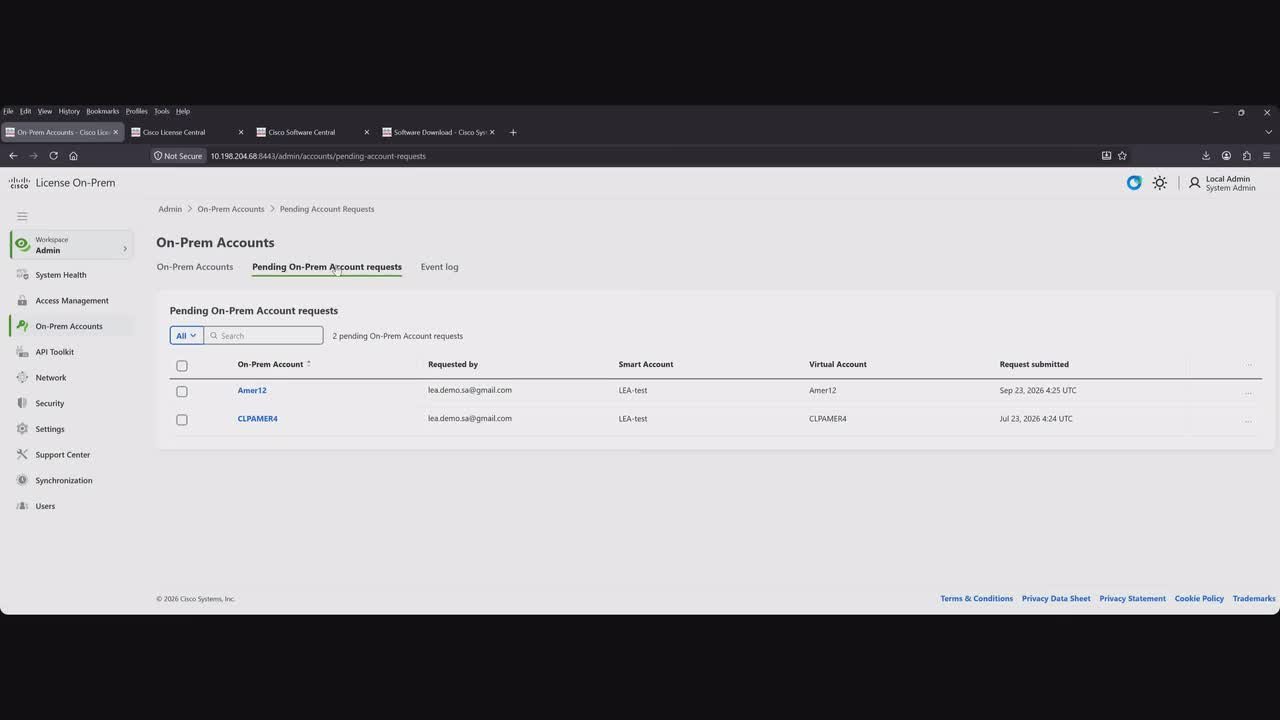
This video includes an essential introduction to Cisco License On-Prem, the modern evolution of SSM On-Prem. Information about deployment options, and virtual machine requirements. It also covers practical guidance on Pre and Post upgrade procedures
48:56
-
Play video Securing AI at machine speed | TELUS | AI Ready Data Center
Securing AI at machine speed | TELUS | AI Ready Data Center
TELUS’s Bilal Sheikh explains why AI demands an integrated approach to infrastructure and security. As AI becomes embedded in business applications and services, networking, compute, infrastructure, and identity must work as a single platform.
4:10
-
Play video Cisco Silicon One: Powering the Future of Networking
Cisco Silicon One: Powering the Future of Networking
Cisco Silicon One is the industry's only scalable and programmable unified networking architecture, designed to simplify operations, reduce costs, and accelerate innovation across diverse network environments, powering the future of networking.
0:43
-
Play video From AI Pilots to Agentforce | Salesforce | AI Ready Data Center
From AI Pilots to Agentforce | Salesforce | AI Ready Data Center
Salesforce's Paul Intrevado, Director of Product Management for Core AI, shares why the real challenge isn't simply adding more compute, but building the integrated infrastructure needed to deliver dependable AI at scale.
6:12