Use Bulk AP Provisioning for High-Availability Configuration
2:41
This video demonstrates a configuration setup for Bulk AP Provisioning of High Availability Configuration on the C9800. Tags: Wireless, C9800
Related Videos
In Featured Video
-
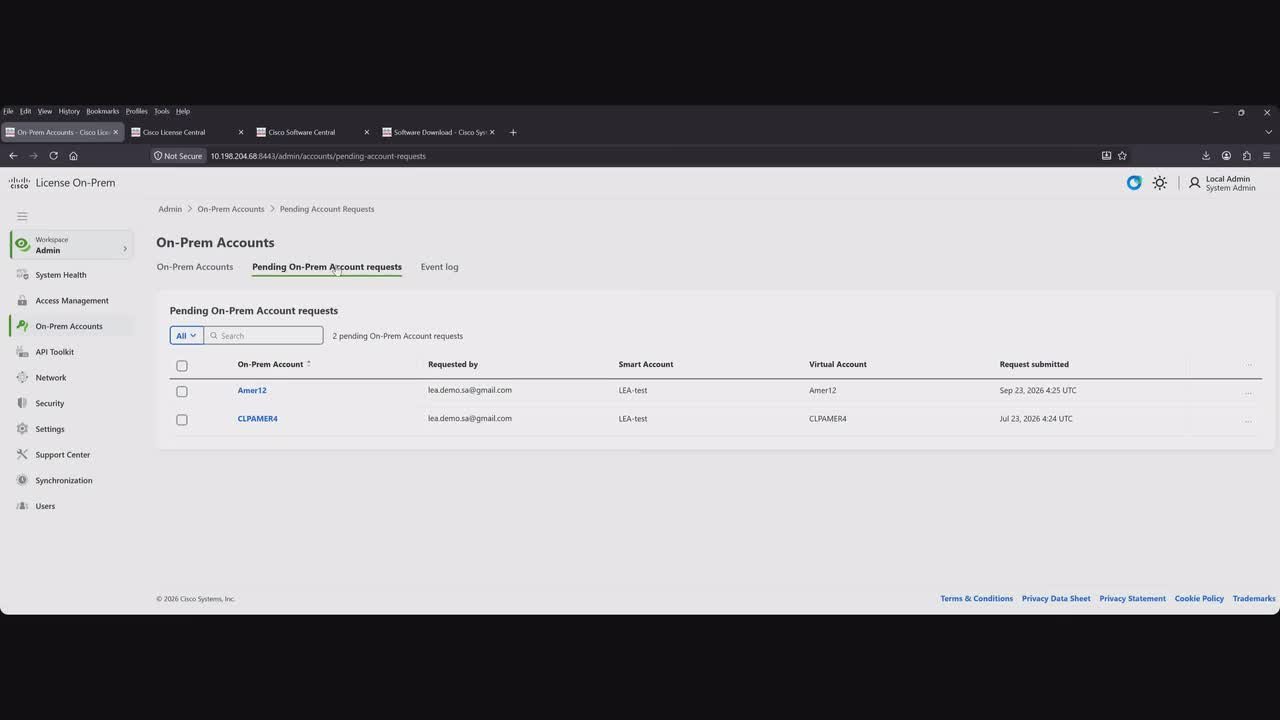
Play video Cisco License On-Prem(Part 1): Introduction, Deployment, Upgrade, Account creation & more - Sep | English
Cisco License On-Prem(Part 1): Introduction, Deployment, Upgrade, Account creation & more - Sep | English
This video includes an essential introduction to Cisco License On-Prem, the modern evolution of SSM On-Prem. Information about deployment options, and virtual machine requirements. It also covers practical guidance on Pre and Post upgrade procedures
48:56
-
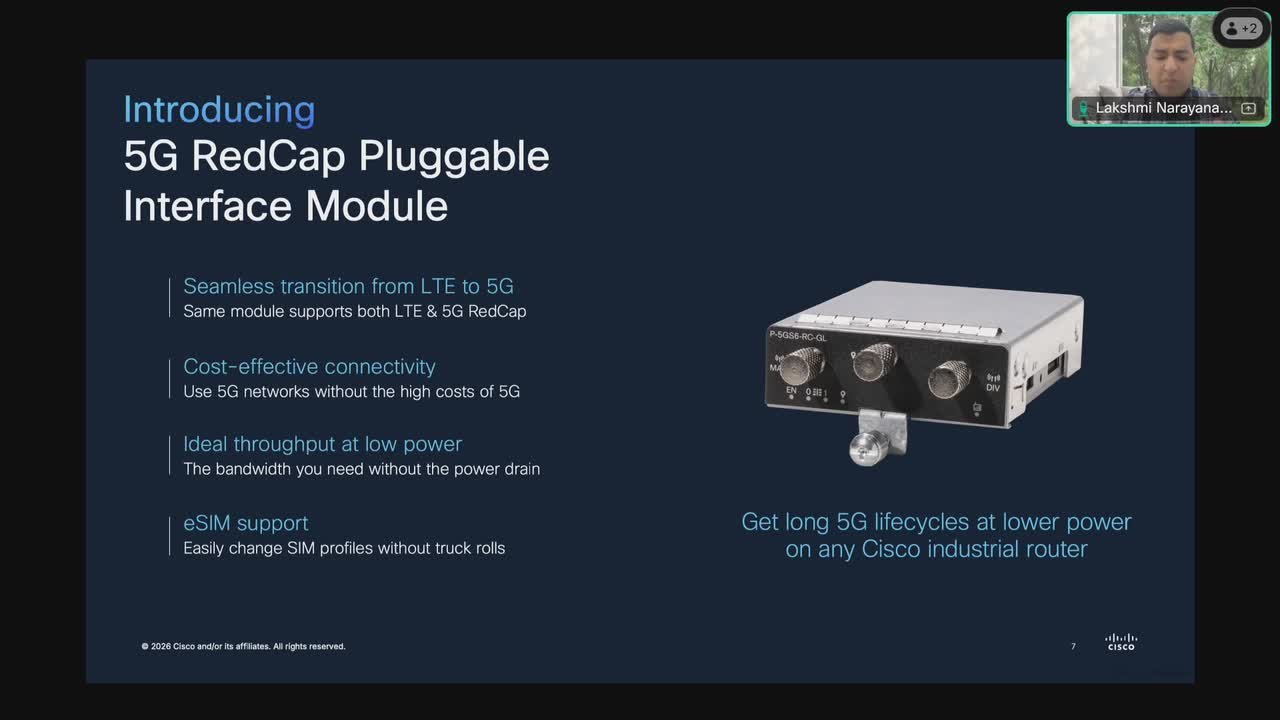
Play video Cisco industrial routing: portfolio update
Cisco industrial routing: portfolio update
Discover how the new IR1000 Rugged Series Secure Routers can empower your operations with enhanced connectivity and security.
22:59
-
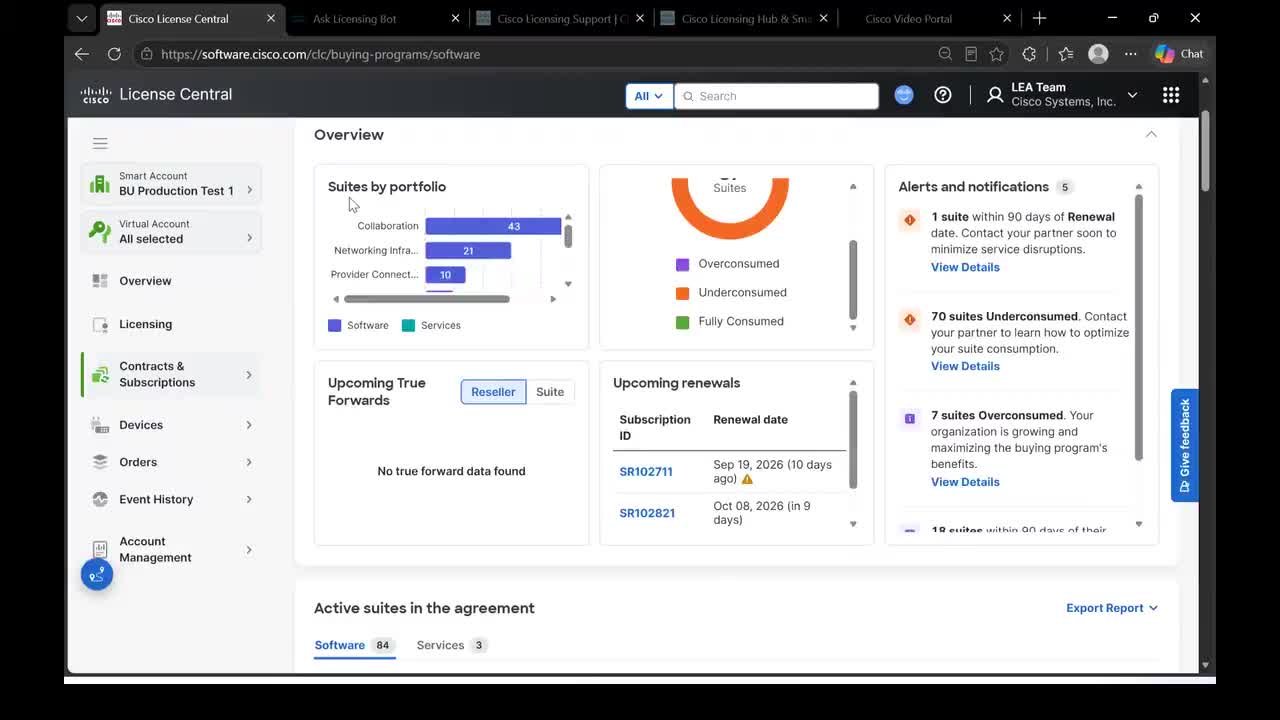
Play video Cisco License Central: Latest Updates, Enhancements & More - English| Sep2026
Cisco License Central: Latest Updates, Enhancements & More - English| Sep2026
This video includes CLC updates and enhancements from September release including licensing workflows and entitlement management, Cisco Buying Program experience, Licensing Enablement and Adoption training engagement through Ask Licensing and more
43:32
-
Play video From the Data Center to the Point of Care | Falck | AI Ready Data Center
From the Data Center to the Point of Care | Falck | AI Ready Data Center
Falck’s Mads Jung Johansen, Head of Platforms and Connectivity, explains why breaking down infrastructure silos is essential to turning AI investment into outcomes that can save and improve people’s lives.
4:18
-
Play video Under the Hood - AI Infrastructure: How Agentic AI Is Transforming SRE at Cisco
Under the Hood - AI Infrastructure: How Agentic AI Is Transforming SRE at Cisco
Will Eatherton and Matt Price explore how agentic AI is transforming SRE at Cisco, where agents now handle nearly 40% of tickets, from event correlation to self-healing, freeing engineers to focus on reliability.
19:11
-
Play video Securing AI at machine speed | TELUS | AI Ready Data Center
Securing AI at machine speed | TELUS | AI Ready Data Center
TELUS’s Bilal Sheikh explains why AI demands an integrated approach to infrastructure and security. As AI becomes embedded in business applications and services, networking, compute, infrastructure, and identity must work as a single platform.
4:10