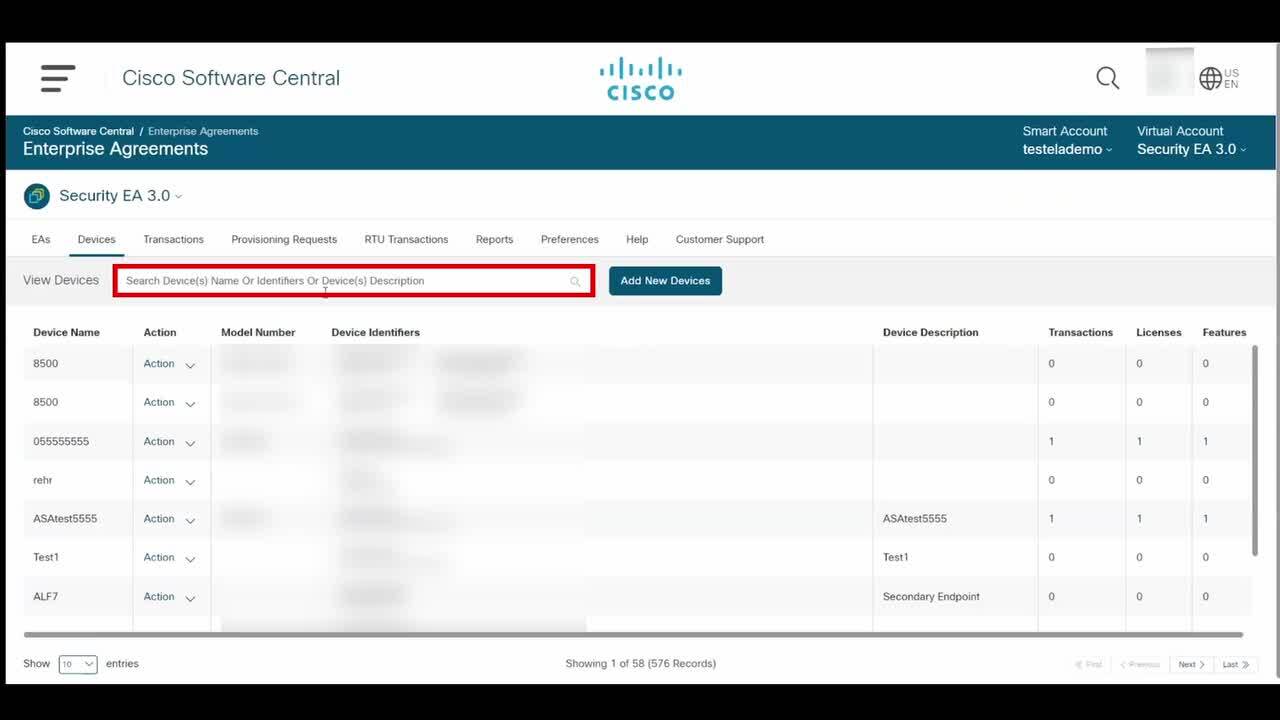
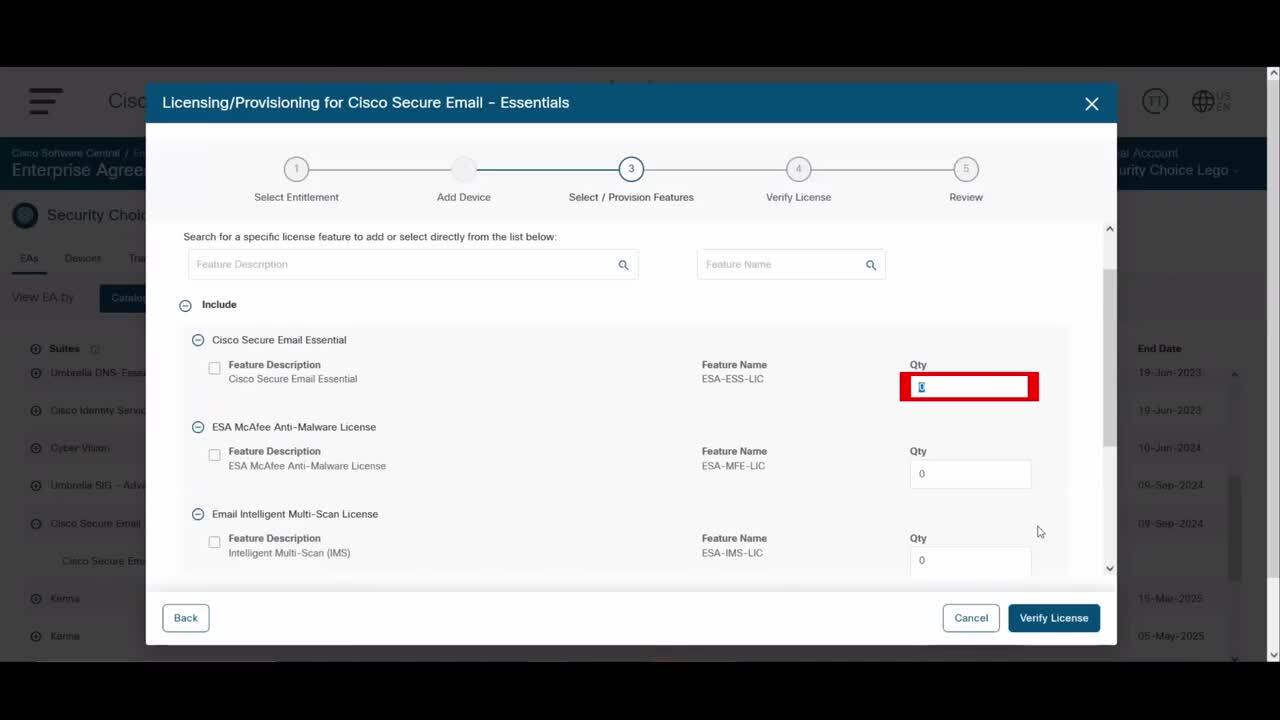
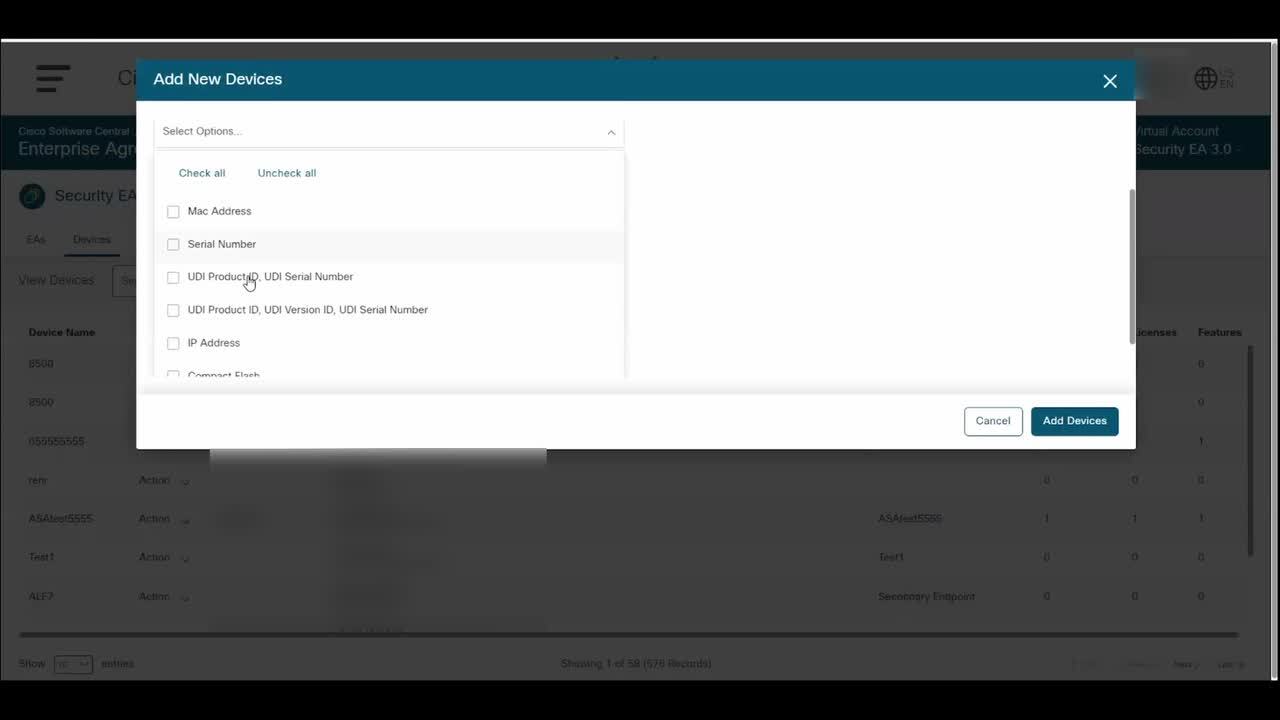
How can I remove a device that is not licensed in Enterprise Agreement Portal?
1:12
Description
Related Videos
Remove a device that is not licensed in Enterprise Agreement Portal
View More
View Less
Related Videos
In Enterprise Agreement
-
Play video How can I upgrade a license in the Enterprise Agreement Portal?
How can I upgrade a license in the Enterprise Agreement Portal?
Upgrade a license in the Enterprise Agreement Portal
1:20
-
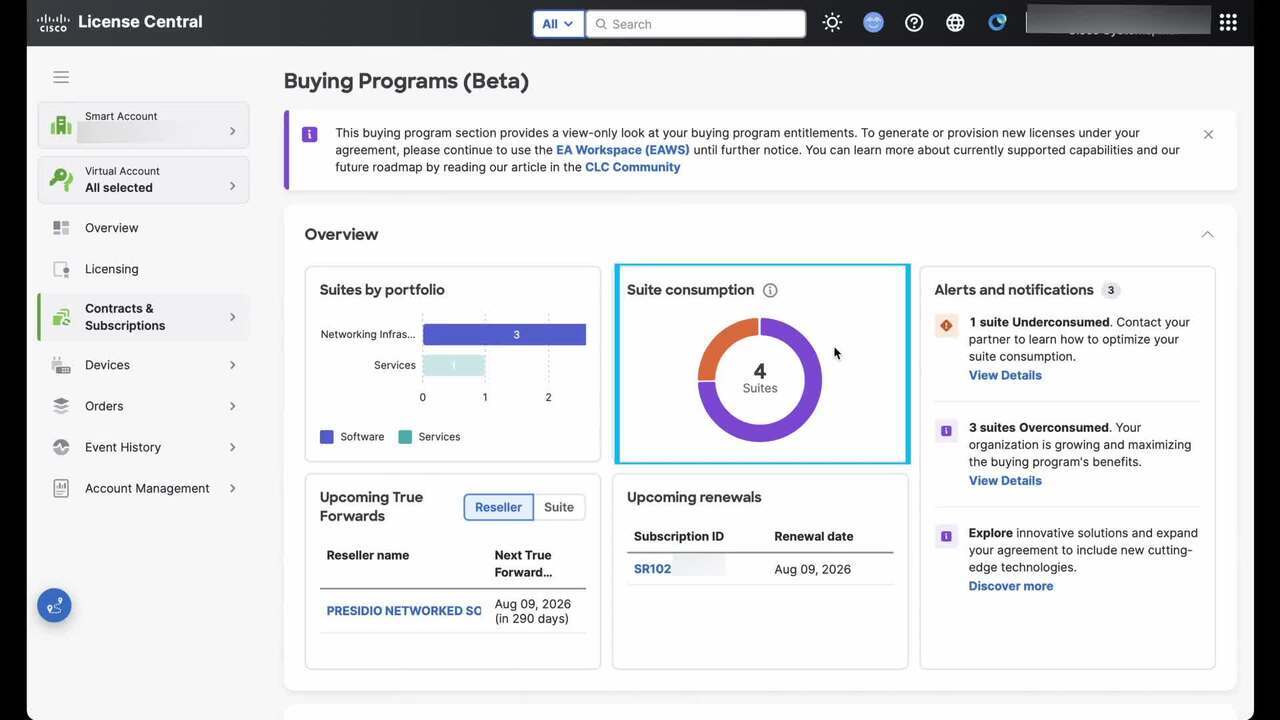
Play video How can I view the top level overview information about my Buying Program (BP) suites, in Cisco License Central (CLC)?
How can I view the top level overview information about my Buying Program (BP) suites, in Cisco License Central (CLC)?
View the top level overview information about my Buying Program (BP) suites, in Cisco License Central (CLC).
4:36
-
Play video How can I update a device in the Enterprise Agreement Portal?
How can I update a device in the Enterprise Agreement Portal?
Update a device in the Enterprise Agreement Portal
1:05
-
Play video How Can I View the Enterprise Agreement in my Smart Account?
How Can I View the Enterprise Agreement in my Smart Account?
View your Enterprise Agreement in your Smart Account.
1:02
-
Play video How can I generate a Smart License through Enterprise Agreement Portal?
How can I generate a Smart License through Enterprise Agreement Portal?
Generate a Smart License through Enterprise Agreement Portal
2:17
-
Play video How do I add my device in Enterprise Agreement Portal?
How do I add my device in Enterprise Agreement Portal?
Add my device in Enterprise Agreement Portal
1:47