How to use Live Polling and Q&A by Slido in Webex
2:17
Learn how to access Slido in Webex, see how live Q&A works, and understand the different live poling types-word cloud, multiple choice, open text, ranking, quiz, and rating.
Related Videos
In Conferencing
-
Play video Custom Layouts
Custom Layouts
Control exactly what your audience sees in meetings
1:41
-
Play video See What's Possible with Webex Meetings for iOS
See What's Possible with Webex Meetings for iOS
See what's possible with Webex Meetings for iOS
1:42
-
Play video Where are you working today? | The future of work is hybrid
Where are you working today? | The future of work is hybrid
Where are you working today? At home? At the office? Somewhere else? It's a question that suddenly has a lot of answers. That's because work has gone hybrid. Webex transforms familiar tools and familiar spaces into something more.
1:02
-
Play video Introducing Live Polling and Q&A by Slido in Webex
Introducing Live Polling and Q&A by Slido in Webex
Live Polling and Q&A by Slido in Webex allows you to create the most interactive, inclusive and insightful meeting experiences. Interact with a diverse set of polling options: word cloud, multiple choice, open text, ranking, quiz, and rating.
1:09
-
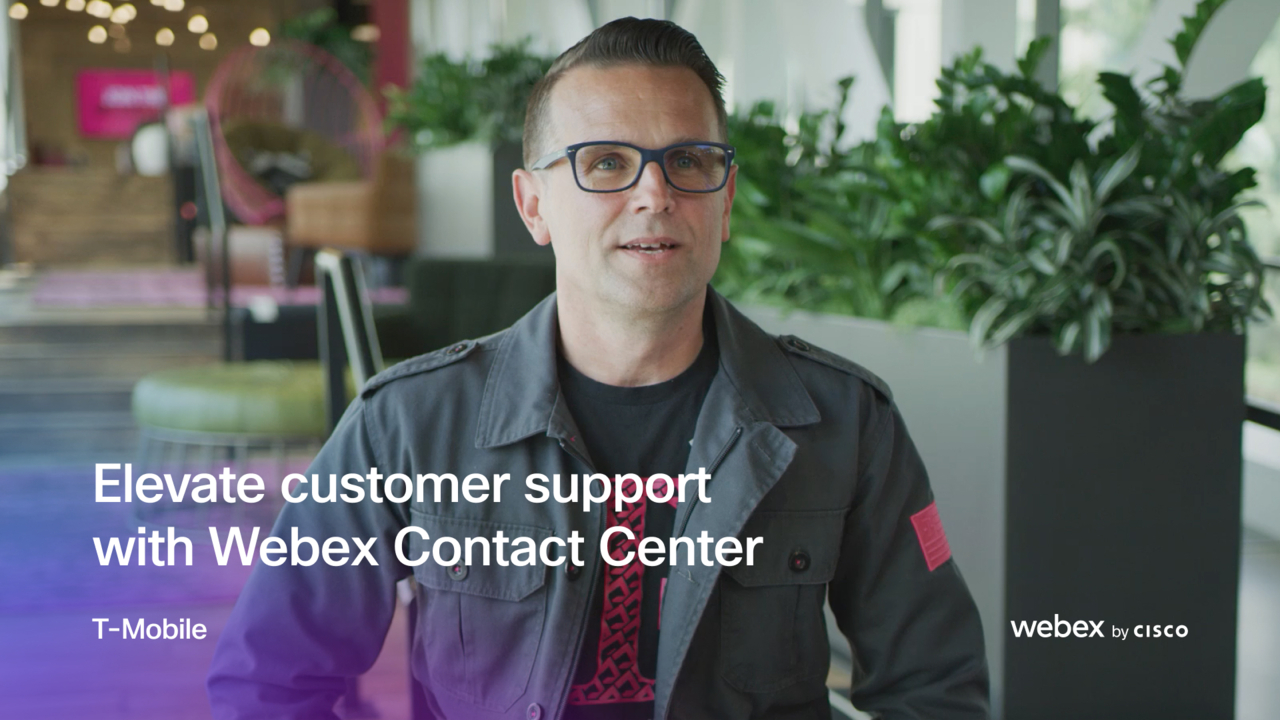
Play video T-Mobile elevates customer support with Unified Contact Center Enterprise
T-Mobile elevates customer support with Unified Contact Center Enterprise
With Unified Contact Center Enterprise (UCCE), T-Mobile found a trusted collaboration partner to help take their customer service to the next level.
1:46
-
Play video Collaboration Corner: Introducing the New Webex Meetings Desktop App and UI
Collaboration Corner: Introducing the New Webex Meetings Desktop App and UI
Cisco Webex Meetings now has a brand new desktop app and user interface bringing you a simple and modern video-centric meeting experience. To learn more, visit https://collaborationhelp.cisco.com/article/nvby0ee.
3:02