Downloading Expressway Diagnostic Logs and Packet Captures
3:06
This video demonstrates how to capture diagnostic logs and packet captures on a Cisco Expressway for troubleshooting.
Related Videos
In Collaboration
-
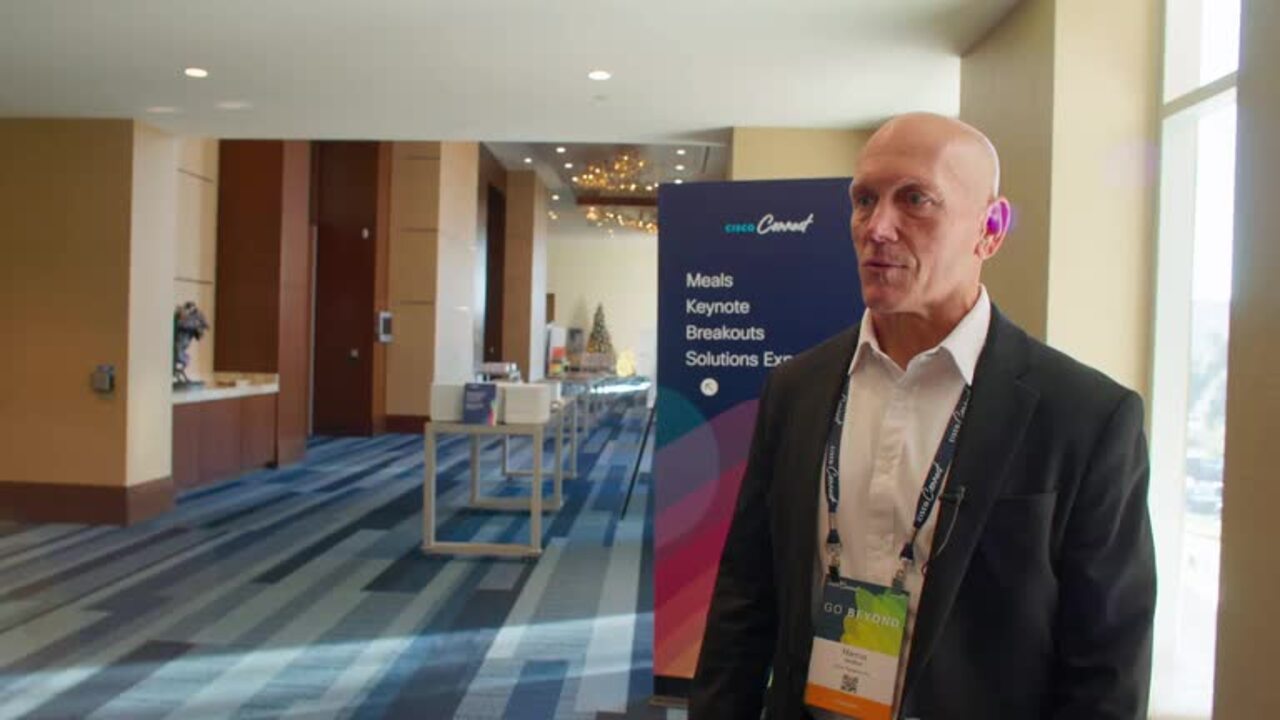
Play video Cisco Connect Event series is back! Cisco kicked off in Dallas, Texas in December 2024.
Cisco Connect Event series is back! Cisco kicked off in Dallas, Texas in December 2024.
Cisco Connect US is a premier event series designed to bring together technology enthusiasts, professionals, and business leaders to explore the latest advancements in networking, security, collaboration, and the Internet of Things (IoT).
1:06
-
Play video Webex AI Assistant + Glean Integration Demo
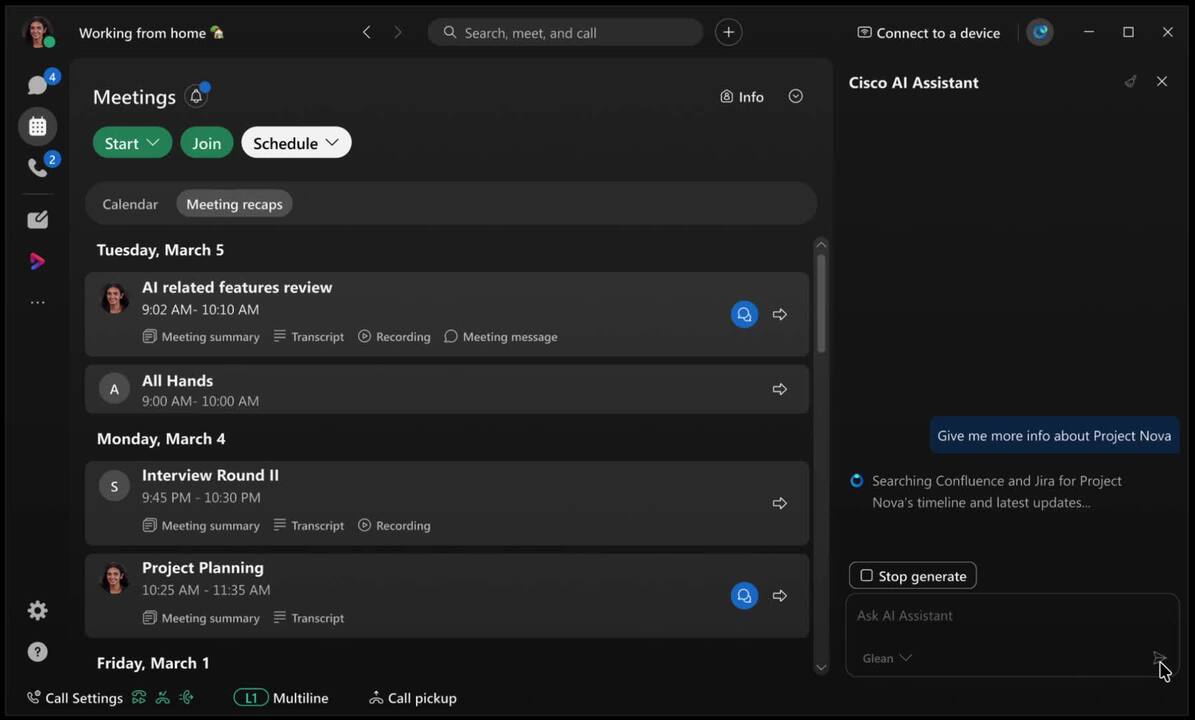
Webex AI Assistant + Glean Integration Demo
This demo showcases the integration of Webex AI Assistant with Glean. This makes it easy to instantly answer questions, summarize information, and find relevant documents directly within the AI Assistant panel in Webex.
0:21
-
Play video Gather logs from a RoomKit EQ via Web GUI
Gather logs from a RoomKit EQ via Web GUI
This video demenstrates how to collect logs for an On-prem registered Cisco EP using web GUI. Tags: portal, cxtacvideos, webex, devices
1:08
-
Play video Cisco AI Assistant | Webex for Apple
Cisco AI Assistant | Webex for Apple
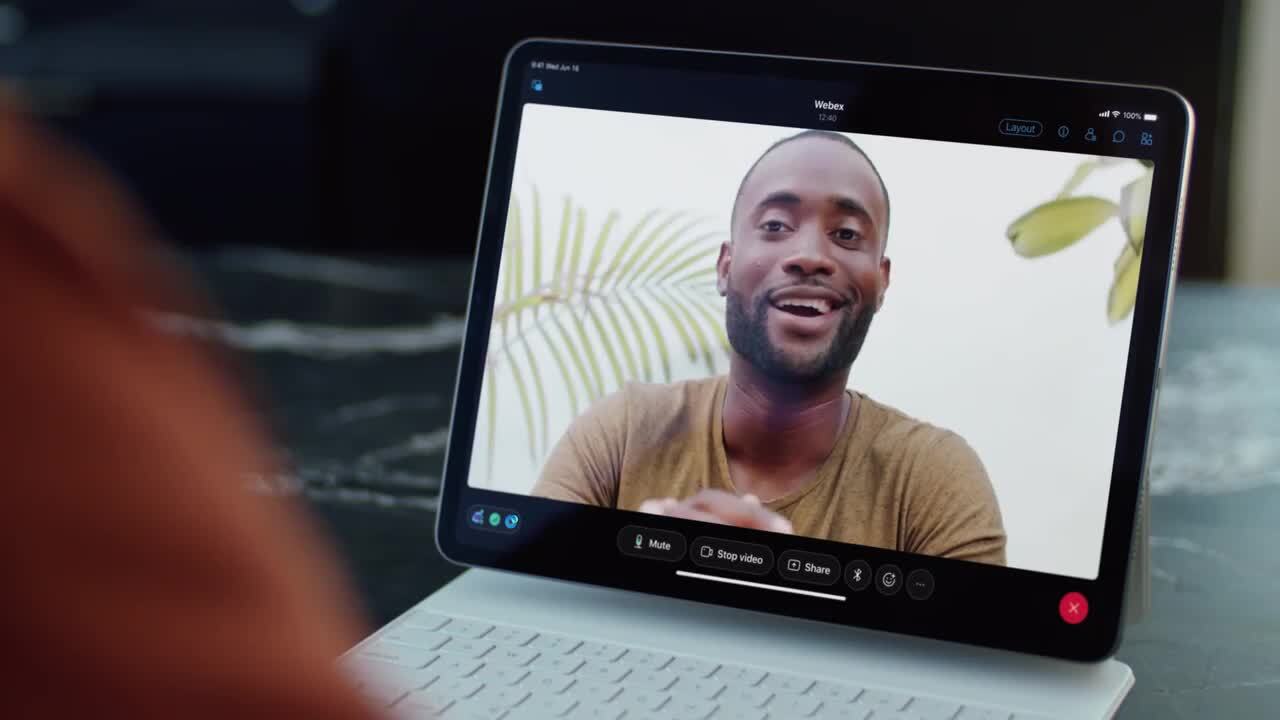
Webex app has been unmistakably designed for Apple, now available with AI Assistant for Webex Meetings and Messaging. Quickly catch up on meetings, get summaries, translations, writing assistance, and find answers-all in on place.
0:31
-
Play video Best Meeting Ever: A Cisco Innovation Labs Discovery with Morgan Solar
Best Meeting Ever: A Cisco Innovation Labs Discovery with Morgan Solar
This groundbreaking project seamlessly integrates Morgan Solar Energy Blinds with Cisco WebEx, resulting in a state-of-the-art sustainable meeting environment.
4:30
-
Play video Desk Reservation and Hot Desking
Desk Reservation and Hot Desking
Book a desk before arriving at the office or upon arrival using the Cisco Desk Phone 9800 Series and Cisco Spaces. Log in to hot desking with a QR code or PIN to personalize your desk space your contacts, call history, and meetings.
0:35