Cisco Tech Talk: Adding a Wi-Fi MPP Phone to WebEx Calling
2:44
In this edition of Cisco Tech Talk, I’ll show you how to add a phone to WebEx calling using a wireless connection.
Related Videos
For "webex calling"
-
Play video Burrell Behavioral Health stays connected to clients with Webex
Burrell Behavioral Health stays connected to clients with Webex
Discover how Burrell Behavioral Health leverages Webex Contact Center and Webex Calling to stay connected to its clients.
1:14
-
Play video MPP-Phone Registration in Webex Calling
MPP-Phone Registration in Webex Calling
This video demonstrates how to register an MPP-Phone in Webex Control Hub. Tags: portal,cxtacvideos,webex,devices
2:47
-
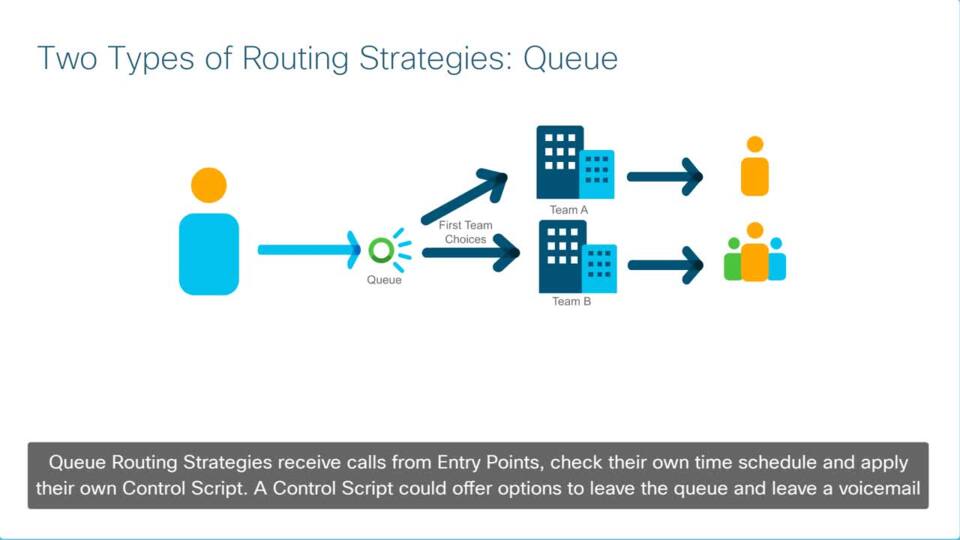
Play video Webex Contact Center Understanding Routing Strategies
Webex Contact Center Understanding Routing Strategies
Routing Strategies are a crucial part to setting up Contact Center call flows. Routing Strategies are settings provisioned in the Tenant portal to control aspects of a call such as music on hold, time settings, and assigning a call control script.
3:16
-
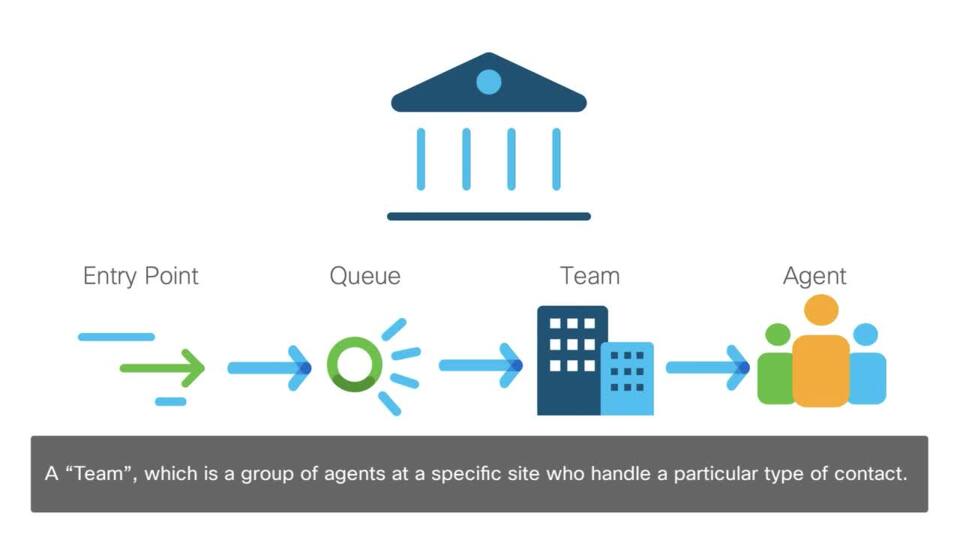
Play video Webex Contact Center About: Entry Points, Queue, Sites, Teams and Agents
Webex Contact Center About: Entry Points, Queue, Sites, Teams and Agents
A Webex Contact Center Tenant enterprise is an enterprise that has contact centers at one or more sites. The enterprise also has entry points for incoming contacts for voice calls, chat sessions, and designated email addresses associated with queues.
1:36
-
Play video Vivint Solar Collab Customer Case Study Video
Vivint Solar Collab Customer Case Study Video
See how Vivint Solar truly unifies their communications with Webex Collaboration. This full-stack case study includes Webex Contact Center, Webex Calling, Webex Teams, Webex Meetings, and Webex Room devices.
2:13
-
Play video Webex Contact Center How to End a Call
Webex Contact Center How to End a Call
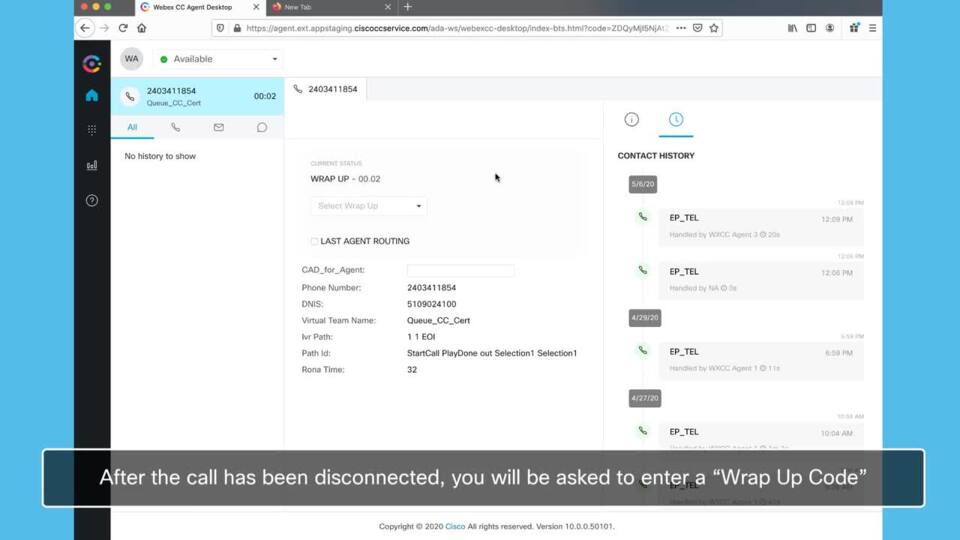
After the customer has been helped and the call can be concluded, to end a call, click “end call” on your device. After the call has been disconnected, you will be asked to enter a “Wrap Up Code” to keep record of the reasons the call was concluded
0:42